How to allow offline signing on a mobile device in DocuSign
Here is how to allow offline signing on a mobile device in docusign
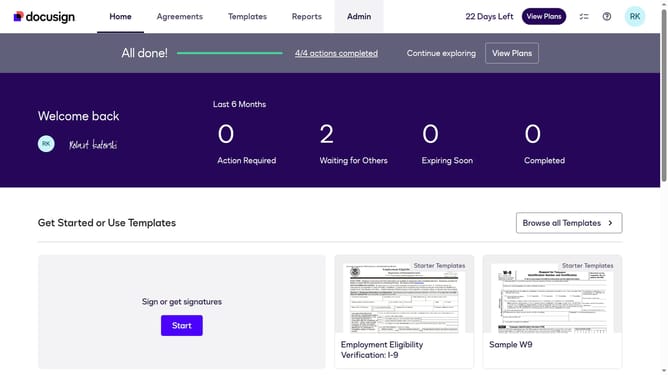
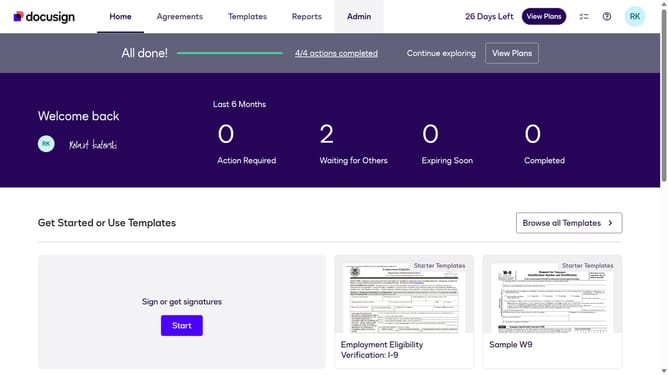
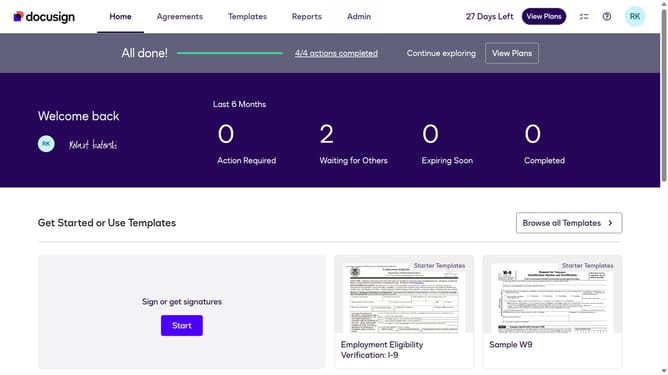
- First click on the "Admin" tab in the top navigation menu
- Then scroll down to view more options
- Next click on "Signing Settings" in the left sidebar under the "SIGNING AND SENDING" section
- Then scroll down the page to view additional signing settings options
- Next click on the checkbox for "Allow offline signing on a mobile device" to enable this feature
- Then scroll down to the bottom of the page to view the save options
- Finally click on the "Save Changes" button to apply the modified settings
Why should you allow offline signing on a mobile device in DocuSign
DocuSign is a leading electronic signature platform designed to streamline document management securely and efficiently.
One of DocuSign's standout features is allowing offline signing on mobile devices. This feature ensures that users can complete document transactions even without an internet connection.
Utilizing offline signing offers the flexibility and convenience of staying productive, no matter where you are. It's especially beneficial for professionals who frequently find themselves in areas with limited connectivity, ensuring business continues uninterrupted.
Last update