How to prevent senders from overriding sign on paper in DocuSign
Here is how to prevent senders from overriding sign on paper in docusign
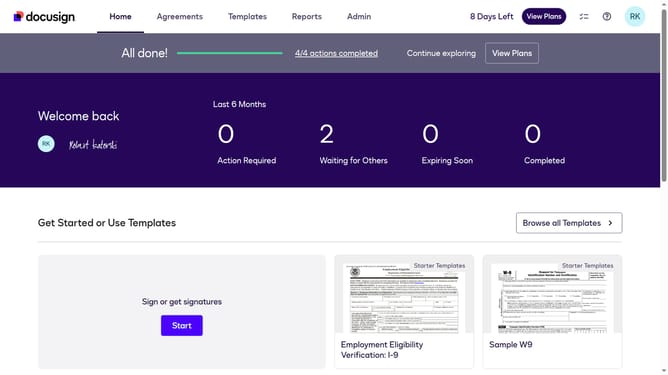
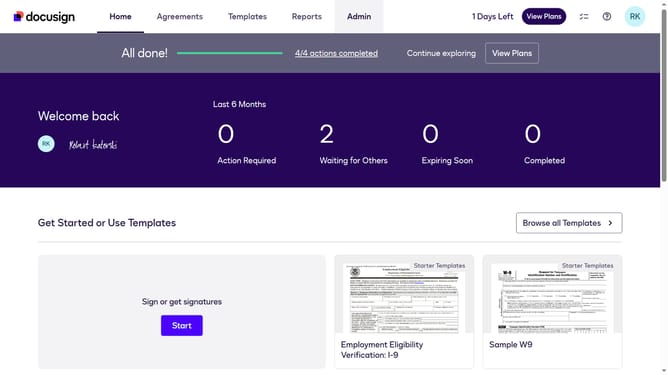
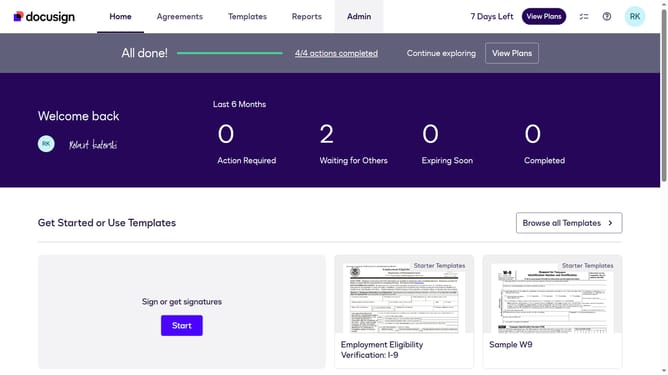
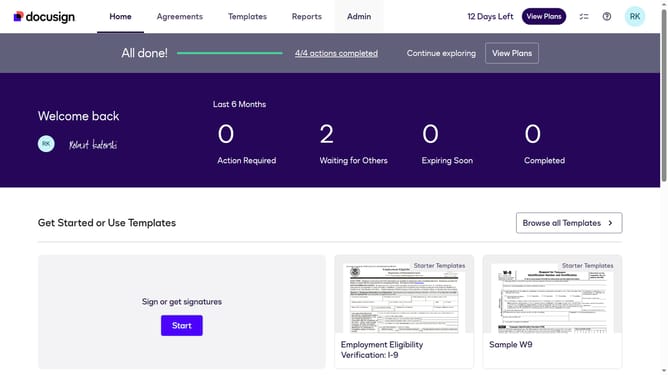
- First click on the "Admin" tab in the top navigation menu
- Then scroll down the page to view additional admin settings
- Next click on "Signing Settings" in the left sidebar under the "SIGNING AND SENDING" section
- Then scroll down the page to view more signing configuration options
- Next uncheck the checkbox labeled "Allow senders to override sign on paper" to disable this setting
- Then scroll down the page to view more options
- Finally click on the "Save Changes" button to apply the modified signing settings
Why should you prevent senders from overriding sign on paper in DocuSign
DocuSign is a leading platform that streamlines contract execution through electronic signatures.
To maintain the integrity of the digital signing process, DocuSign offers a feature to prevent senders from overriding the "sign on paper" option. This feature ensures that all signatures remain digital, offering a seamless and secure workflow.
Using this feature not only bolsters document security but also enhances efficiency by preventing unnecessary manual interventions. It reflects a commitment to a sustainable, fully digital transaction environment.
Last update