How to include templates in webhook payloads in DocuSign
Here is how to include templates in webhook payloads in docusign
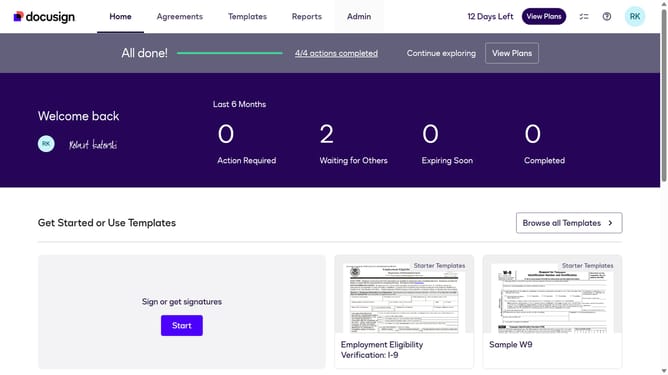
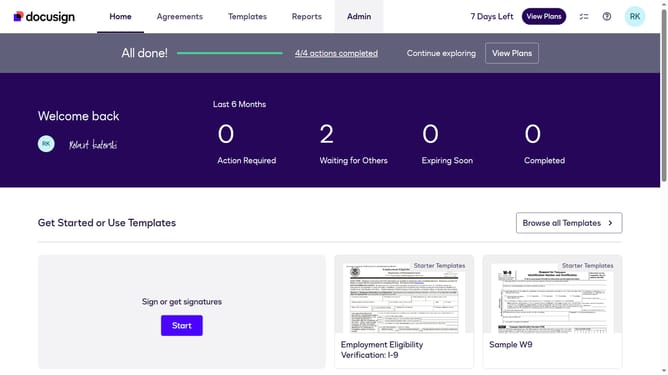
- First click on the "Admin" link in the top navigation menu
- Then scroll down the page to view more content
- Next click on the "Connect" link in the left sidebar under the INTEGRATIONS section
- Then click on the "Actions" dropdown button next to a custom configuration in the configurations table
- Next select the "Edit" option from the Actions dropdown menu
- Then scroll down the page to view the configuration settings
- Next expand the "Envelope and Recipients" section by clicking on it
- Then scroll down and click Include Data section dropdown button
- Next click on the "Templates" checkbox to enable Templates in the payload
- Then scroll down to the bottom of the page to view the save button
- Finally click on the "Save Configuration" button to save the changes
Why should you include templates in webhook payloads in DocuSign
DocuSign streamlines the process of managing and executing electronic agreements, making it easier for businesses to handle paperwork efficiently.
Including templates in webhook payloads with DocuSign is a feature that enhances automation by allowing templates to seamlessly integrate into workflow processes. This functionality supports informed decision-making and accelerates the documentation process.
Utilizing templates within webhook payloads provides the benefit of consistency across documents, ensuring that all data fields and formatting are standardized. This not only enhances productivity by reducing manual intervention but also reduces errors, further promoting operational efficiency and reliability in document management.
Last update