How to disable recipient ability to edit documents in DocuSign
Here is how to disable recipient ability to edit documents in docusign
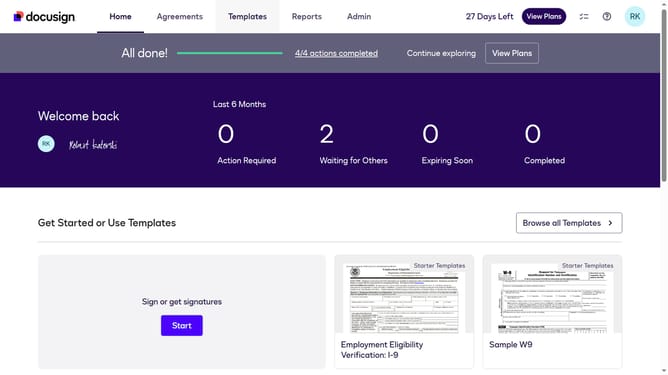
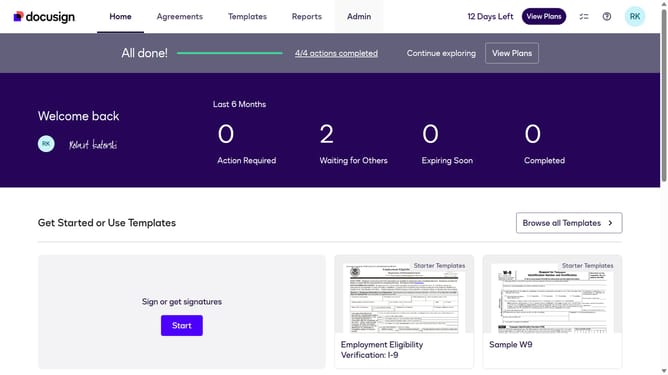
- First click on the "Admin" tab in the top navigation menu
- Then scroll down the page to view more admin settings options
- Next click on "Signing Settings" in the left sidebar under the "SIGNING AND SENDING" section
- Then scroll down the page to view additional signing settings
- Next uncheck the checkbox labeled "Allow recipients to edit documents" in the Recipients section
- Then scroll down the page to view the save options
- Finally click on the "Save Changes" button to apply the settings
Why should you disable recipient ability to edit documents in DocuSign
DocuSign is a leading platform for electronic agreements, facilitating quick and secure document management.
Among its myriad features, the option to disable a recipient's ability to edit documents ensures that the integrity of your documents remains intact.
This feature is particularly valuable in maintaining control over official agreements and sensitive information, minimizing the risk of unauthorized changes.
By leveraging this feature, businesses enhance document security and maintain clarity in communication, fostering trust and seamless workflows.
Last update