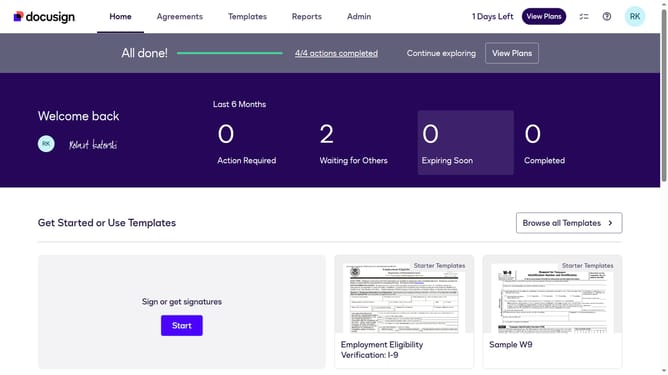
How to stop triggering events when identity verification is pending in DocuSign
Here is how to stop triggering events when identity verification is pending in docusign
- First click on the "Admin" tab in the top navigation menu
- Then scroll down the page to view more content
- Next click on the "Connect" option in the left sidebar under the INTEGRATIONS section
- Then click on the "Actions" dropdown button next to a custom configuration in the configurations table
- Next select "Edit" from the Actions dropdown menu
- Then scroll down the page to view more configuration options
- Next click on the "Identity Verification" dropdown button to expand it
- Then uncheck the "Identity Verification Pending" checkbox to disable it
- After that scroll down to the bottom of the configuration page
- Finally click on the "Save Configuration" button to save the changes
Why should you stop triggering events when identity verification is pending in DocuSign
DocuSign is the ultimate solution for effortlessly handling digital transactions and electronic signatures.
Stopping events from triggering during an identity verification pending status ensures the process isn't interrupted or prematurely executed.
This feature adds a layer of security, protecting sensitive transactions until identity verification is complete.
The benefits include improved workflow efficiency and enhanced trust, as every step aligns seamlessly with user authentication.
Last update