How to apply watermarks to documents that are still in progress in DocuSign
Here is how to apply watermarks to documents that are still in progress in docusign
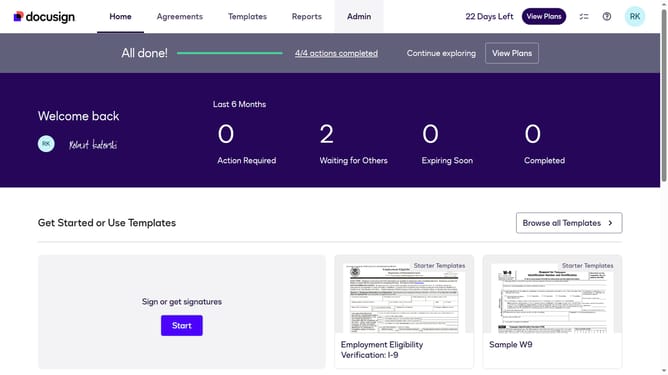
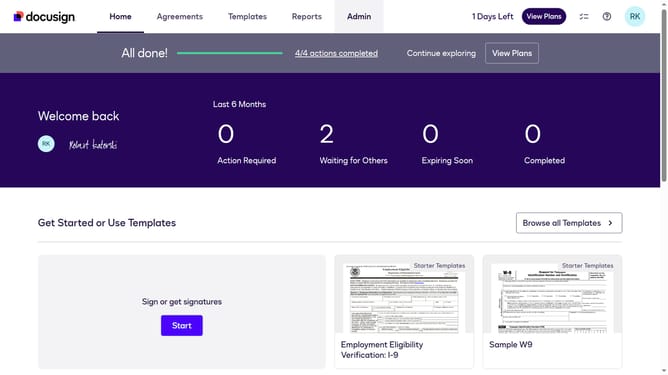
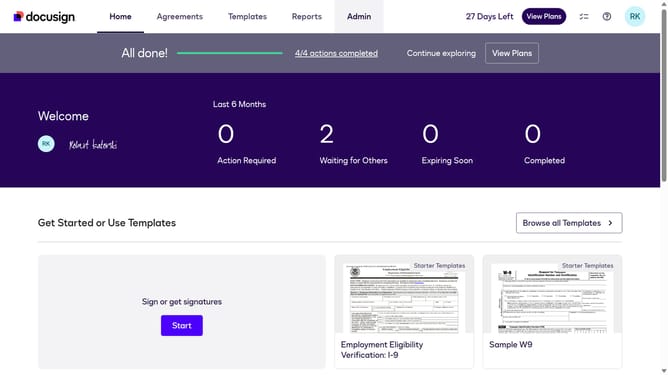
- First click on the "Admin" link in the top navigation menu
- Then scroll down to view more options
- Next click on "Signing Settings" in the left sidebar under the "SIGNING AND SENDING" section
- Then click the "Watermark Configuration" option under the Signing Experience section
- Next click the checkbox of the "Apply watermarks to documents that are still in progress" option
- Then scroll down in the Watermark section
- Next, click the "Input a watermark message string" field and replace the existing text with your preferred watermark message
- Finally click on the "Save Changes" button again to confirm the changes
Why should you apply watermarks to documents that are still in progress in DocuSign
DocuSign empowers users by simplifying electronic agreements with its intuitive platform.
Applying watermarks to documents that are still in progress is a valuable feature in DocuSign, ensuring confidentiality and tracking during collaborative processes.
This helps in maintaining document integrity, preventing unauthorized sharing, and marks drafts clearly, distinguishing them from final versions.
Ultimately, this enhances security and communication, providing peace of mind for businesses and individuals alike.
Last update