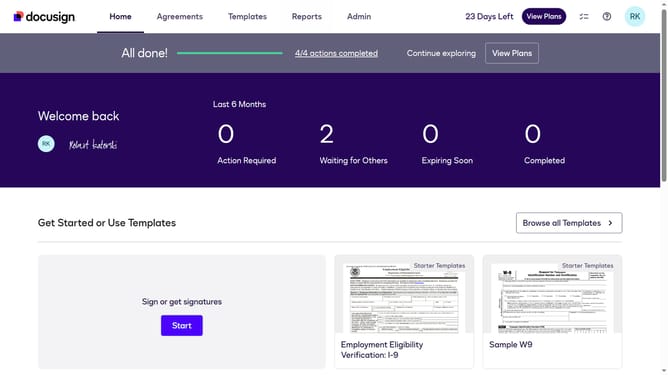
How to allow recipients to change signing responsibility in DocuSign
Here is how to allow recipients to change signing responsibility in docusign
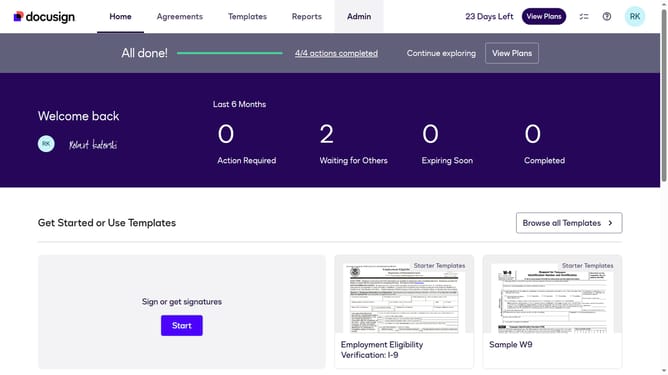
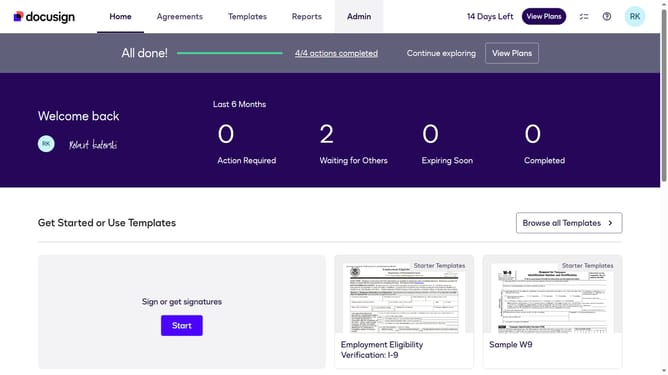
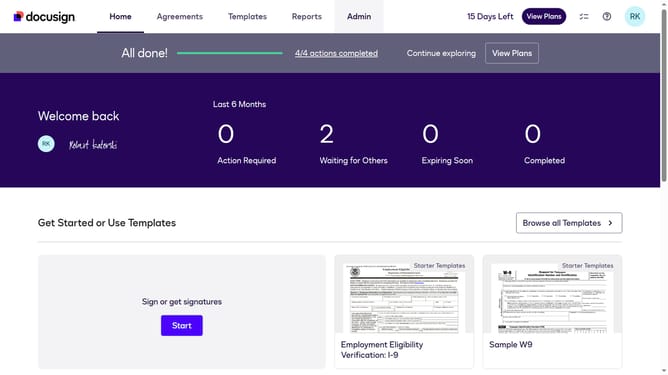
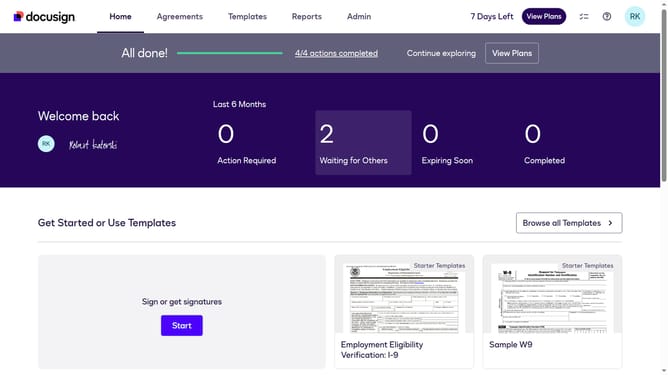
- First click on the "Admin" link in the top navigation menu
- Then scroll down the page to view more admin settings options
- Next click on "Signing Settings" in the left sidebar under the "SIGNING AND SENDING" section
- Then scroll down the page to view additional signing configuration options
- Next click on the checkbox for "Allow recipients to change signing responsibility" to enable this setting
- Then scroll down to the bottom of the page to view the save options
- Finally click on the "Save Changes" button to apply the configuration changes
Why should you allow recipients to change signing responsibility in DocuSign
DocuSign revolutionizes digital transactions by providing a seamless platform for electronic agreements.
One standout feature is the ability for recipients to change signing responsibility. This enhances flexibility within the signing process, allowing signers to delegate tasks effortlessly when circumstances change.
Utilizing this feature ensures business continuity and adaptability, fostering a smoother workflow and reducing potential delays in document execution.
Empowering recipients with this capability enhances collaboration and keeps processes flowing smoothly.
Last update