How to delete a template in DocuSign
Here is how to delete a template in docusign
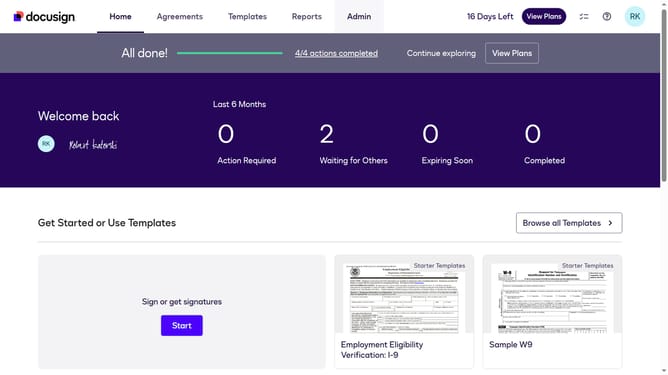
- First click on the "Templates" tab in the top navigation menu
- Then use the scroll bar to scroll to the right
- Next click on the three-dot menu button next to the template you want to delete
- Then click on the "Delete" option from the dropdown menu that appears
- Finally click on the "Delete" button in the confirmation dialog to confirm the deletion
Why should you delete a template in DocuSign
DocuSign is a leading electronic signature solution that simplifies document management for businesses and individuals alike.
The ability to delete a template in DocuSign ensures that your dashboard remains organized and clutter-free. This feature is crucial for maintaining efficiency by eliminating outdated or unnecessary templates that no longer serve your purpose.
By removing unwanted templates, users can streamline operations and focus on active tasks, enhancing productivity and clarity in document handling.
Last update