How to remove a DocuSign frame from the signature field in DocuSign
Here is how to remove a docusign frame from the signature field in docusign
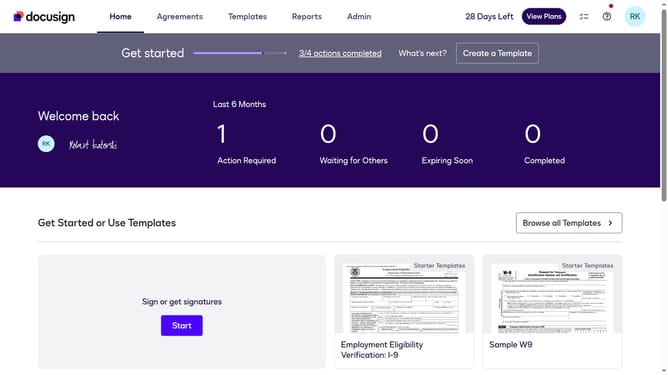
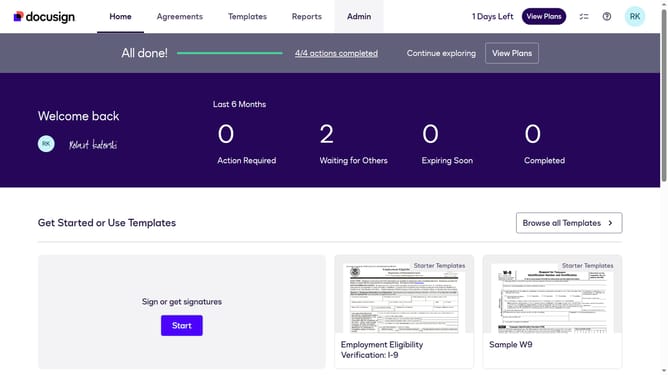
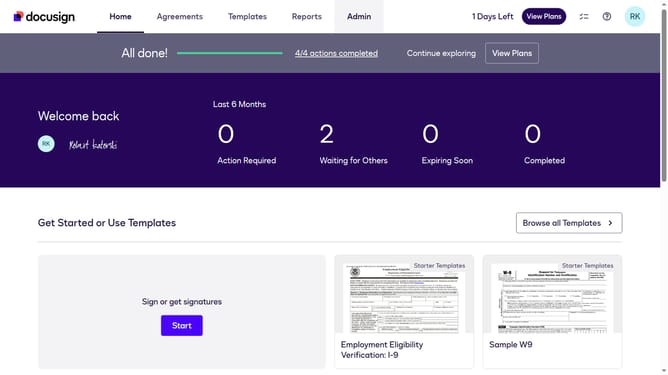
- First click on the "Admin" link in the top navigation menu
- Then scroll down the page to view more options in the Admin section
- Next click on "Signing Settings" in the left sidebar under the "SIGNING AND SENDING" section
- Then scroll down the Signing Settings page to view additional configuration options
- Next select the "Do not add frame" radio button option under the Signature section
- Then scroll down further to view the "AI Tools in the Signing Experience" section
- Finally click on the "Save Changes" button to apply the configuration changes
Why should you remove a DocuSign frame from the signature field in DocuSign
DocuSign streamlines the process of electronic signing, making document management seamless and efficient.
Removing a DocuSign frame from the signature field enhances the aesthetics of your documents, offering a cleaner and more professional appearance. This feature allows you to focus on the critical details of the document itself, making it more visually appealing to all parties involved.
By removing the frame, you avoid potential distractions, ensuring that your document retains a polished look. This benefit highlights your attention to detail, ultimately enhancing trust and credibility with recipients.
Last update