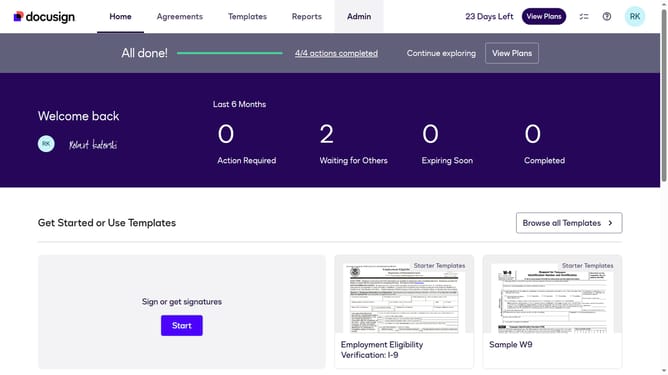
How to disable agreement template building in DocuSign
Here is how to disable agreement template building in docusign
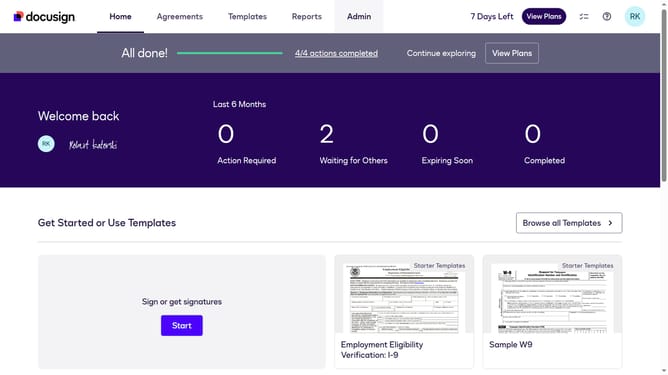
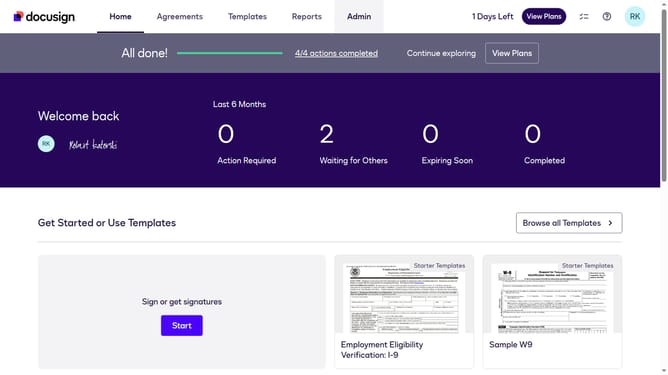
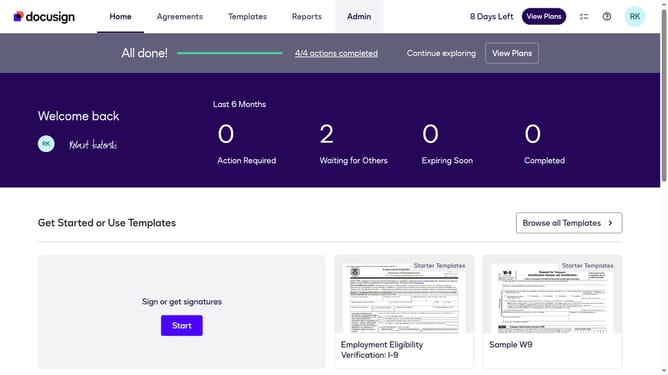
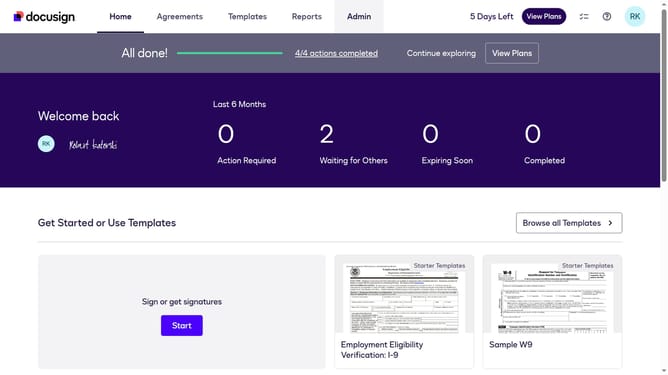
- First click on the "Admin" tab in the top navigation menu
- Then scroll down the page to view more admin options
- Next click on "Sending Settings" in the left sidebar under the "SIGNING AND SENDING" section
- Then scroll down the page to view the Templates section
- Next click the "Enable Agreement Template Builder" checkbox to toggle it off
- Finally click on the "Save Changes" button at the bottom of the page
Why should you disable agreement template building in DocuSign
DocuSign is a leading digital transaction platform known for streamlining electronic agreements.
One valuable feature is the ability to disable agreement template building, which is essential for businesses looking to maintain control over document customization.
By disabling this feature, organizations ensure that templates used by employees remain uniform and adhere to standard policies, enhancing compliance and reducing errors.
Ultimately, this feature helps uphold consistency across the board, reinforcing brand integrity and operational efficiency.
Last update