How to remove the finish later landing page in DocuSign
Here is how to remove the finish later landing page in docusign
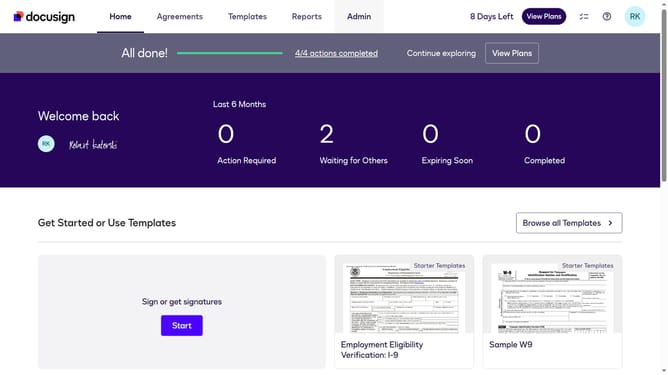
- First click on the "Admin" tab in the top navigation menu
- Then scroll down and click on the user profile icon in the top right corner
- Next click on "Signing Settings" in the left sidebar under the "SIGNING AND SENDING" section
- Then click on the "In-session Landing Pages" tab in the Signing Experience section
- Next click on the "Finish Later" text field and remove the current URL
- Then scroll down to view additional landing page configuration options
- Finally click on the "Save Changes" button at the bottom of the page
Why should you remove the finish later landing page in DocuSign
DocuSign is a leading digital transaction platform that ensures seamless and secure electronic signatures.
The ability to remove the "Finish Later" landing page in DocuSign is a feature designed to streamline the signing process.
By eliminating this step, users can maintain a more direct and uninterrupted workflow.
This adjustment enhances user experience, enabling quicker transaction completion and reducing potential drop-offs, thus ensuring efficiency and improving engagement.
Last update