How to stop requiring a number in the access code in DocuSign
Here is how to stop requiring a number in the access code in docusign
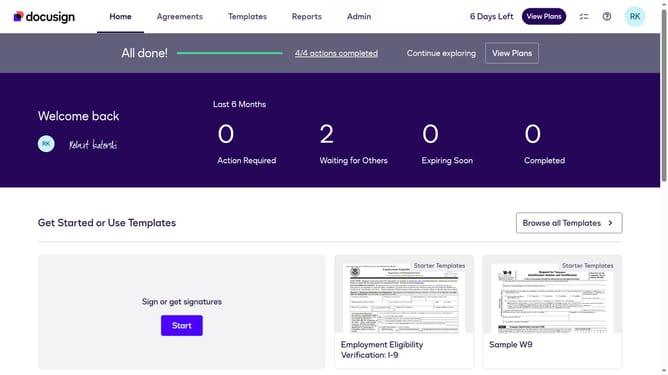
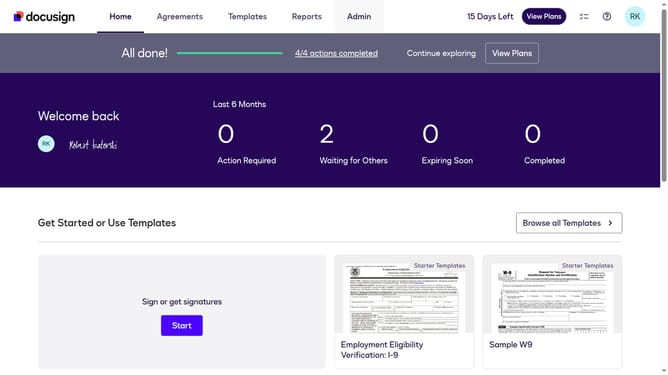
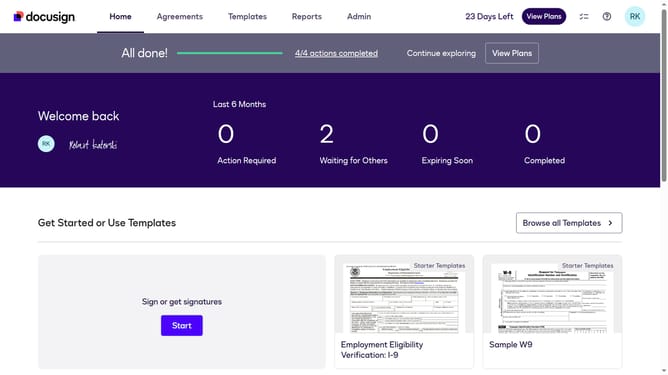
- First click on the "Admin" tab in the top navigation menu
- Then click on "Security Settings" link in the left sidebar under the ACCOUNT section
- Next scroll down to view more options
- Then uncheck the "One number" checkbox in the Access code requirements section
- Finally click on the "Save Changes" button at the bottom of the page
Why should you stop requiring a number in the access code in DocuSign
DocuSign is a leading platform for managing digital transactions and e-signatures seamlessly.
Adjusting access code settings by eliminating the number requirement offers a streamlined user experience without compromising document security.
This feature makes the authentication process more intuitive, which is particularly beneficial for users unfamiliar with complex codes, helping to maintain efficient workflows.
Ultimately, simplifying access enhances accessibility without sacrificing reliability, ensuring that transactions proceed smoothly and securely.
Last update