How to show the access code in the routing order in DocuSign
Here is how to show the access code in the routing order in docusign
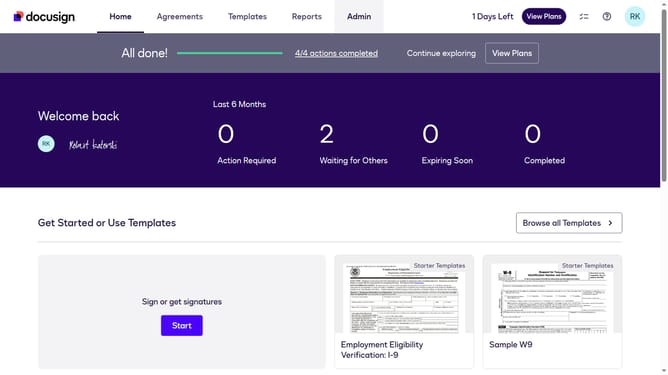
- First click on the "Admin" tab in the top navigation menu
- Then click on "Security Settings" link in the left sidebar under the ACCOUNT section
- Next scroll down to view the "General Authentication Settings" section on the page
- Then click on the checkbox labeled "Hide access code in the routing order" under General Authentication Settings
- After that scroll down to the bottom of the page to view the save options
- Finally click on the "Save Changes" button to apply the security settings
Why should you show the access code in the routing order in DocuSign
DocuSign is a trusted digital transaction management platform that streamlines document signing and sharing.
Incorporating access codes in the routing order within DocuSign enhances security by ensuring only authorized individuals can access sensitive documents. This feature provides an extra layer of protection, giving users peace of mind.
By seamlessly integrating access codes, DocuSign helps organizations maintain compliance with stringent data privacy requirements, safeguarding confidential information efficiently.
Last update