How to require at least one number in the access code in DocuSign
Here is how to require at least one number in the access code in docusign
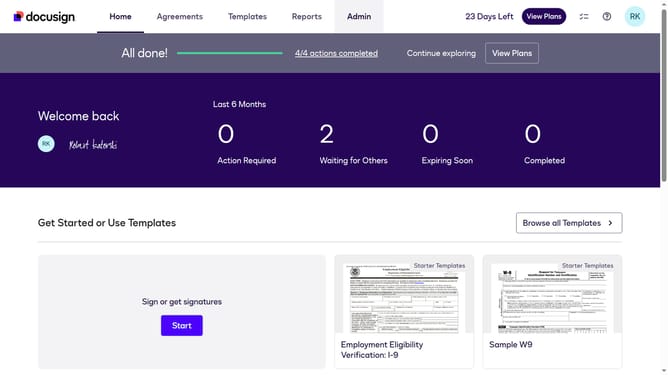
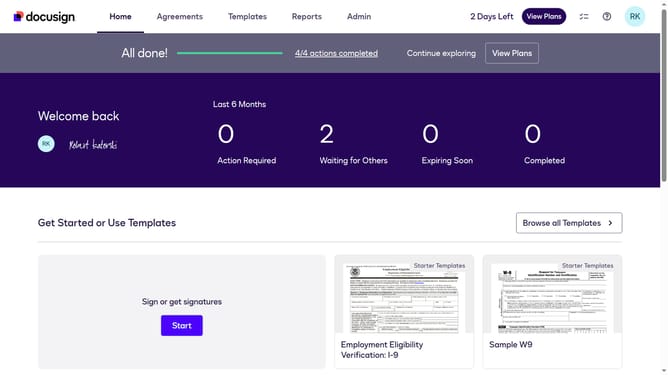
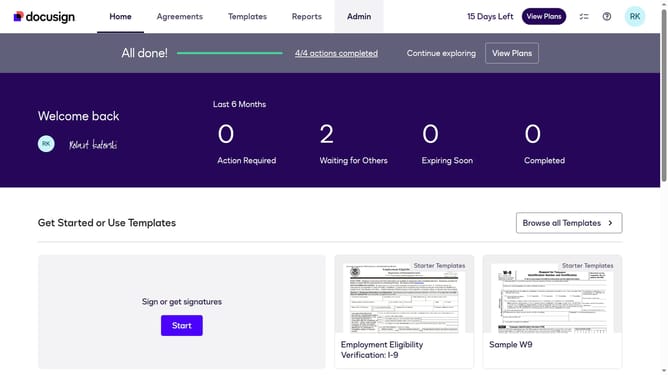
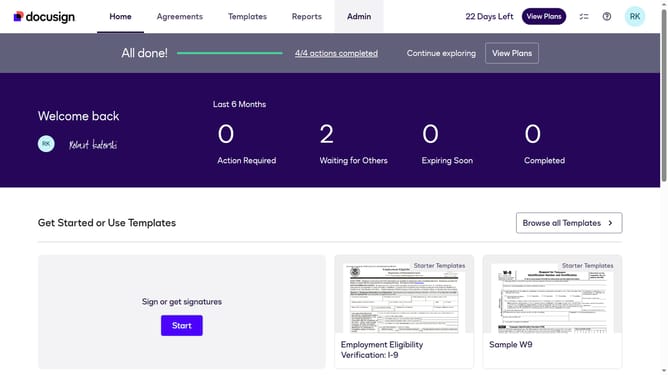
- First click on the "Admin" link in the top navigation menu
- Then click on the "Security Settings" link in the left sidebar under the ACCOUNT section
- Next scroll down to the Access Codes section
- After that, click the "One number" checkbox
- Finally click on the "Save Changes" button at the bottom of the page
Why should you require at least one number in the access code in DocuSign
DocuSign is a leading electronic signature platform that streamlines the signing process for documents securely and efficiently.
One essential feature in DocuSign is the ability to require at least one number in the access codes, enhancing security by ensuring stronger and more complex codes.
By implementing numerical requirements in access codes, users can safeguard sensitive documents more effectively, thus minimizing the risk of unauthorized access.
Utilizing this feature provides peace of mind for users, knowing that their documents are protected by an added layer of security.
Last update