How to disable recipient authentication for an account in DocuSign
Here is how to disable recipient authentication for an account in docusign
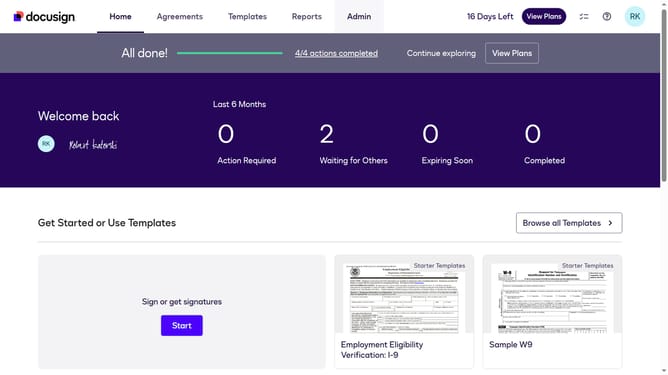
- First click on the "Admin" link in the top navigation menu
- Then click on the "Security Settings" link in the left sidebar under the ACCOUNT section
- Next select the "Disable recipient authentication for this account" radio button under Recipient Authentication Settings
- Then scroll down to the bottom of the page
- Finally click on the "Save Changes" button to apply the security settings
Why should you disable recipient authentication for an account in DocuSign
DocuSign is a trusted platform that revolutionizes how businesses handle electronic agreements and signatures.
Disabling recipient authentication in DocuSign allows more streamlined interactions when security needs are lower, saving time and effort. This feature lets users easily send documents without requiring each recipient to undergo identity verification.
By turning off authentication, processes are expedited, ensuring faster transactions, which can be particularly advantageous in low-risk document exchanges. Enjoy the benefit of swift and efficient communication without compromising workflow efficiency.
Last update