How to allow recipients to sign documents offline on a mobile device in DocuSign
Here is how to allow recipients to sign documents offline on a mobile device in docusign
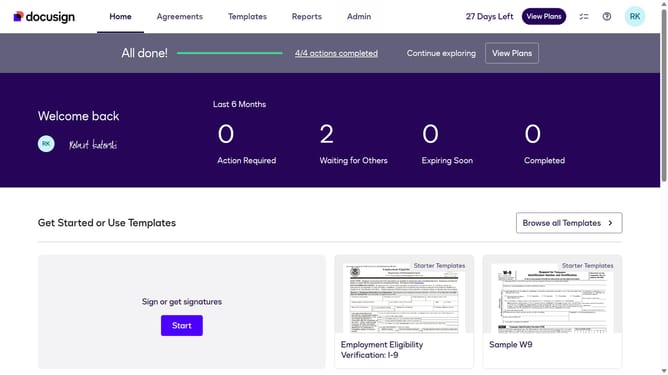
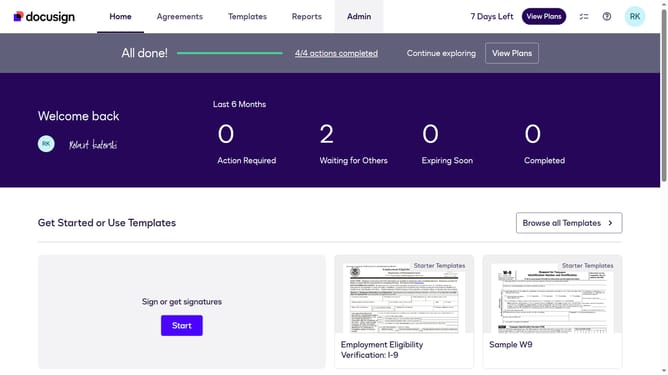
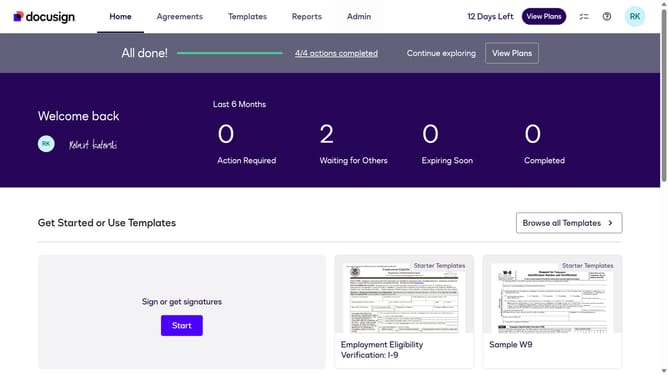
- First click on the "Admin" link in the top navigation menu
- Then scroll down the page to view more admin settings
- Next click on "Signing Settings" in the left sidebar under the "SIGNING AND SENDING" section
- Then scroll down the page to view additional signing settings options
- Next click on the checkbox for "Allow recipients to sign documents offline on a mobile device" under the Recipients section
- Then scroll down the page to view more options
- Finally click on the "Save Changes" button to save the updated signing settings
Why should you allow recipients to sign documents offline on a mobile device in DocuSign
DocuSign is a leading eSignature platform that simplifies the process of signing documents electronically.
With its offline signing feature, recipients can conveniently sign documents even when they are not connected to the internet.
This is particularly beneficial in areas with limited or no connectivity, ensuring that important agreements are not delayed.
The ability to sign documents offline enhances flexibility, saves time, and increases efficiency, making it an invaluable feature for mobile users on the go.
Last update