How to disable recipient ability to sign documents offline on a mobile device in DocuSign
Here is how to disable recipient ability to sign documents offline on a mobile device in docusign
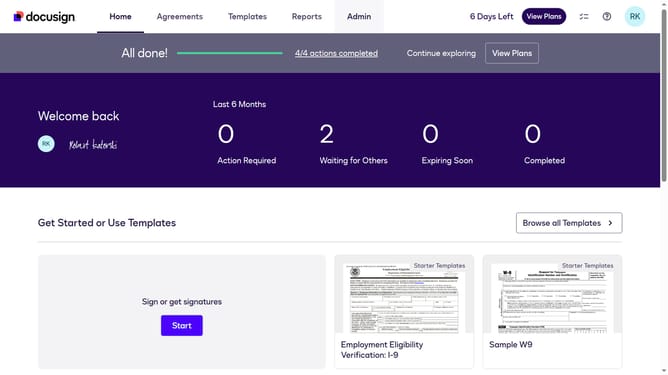
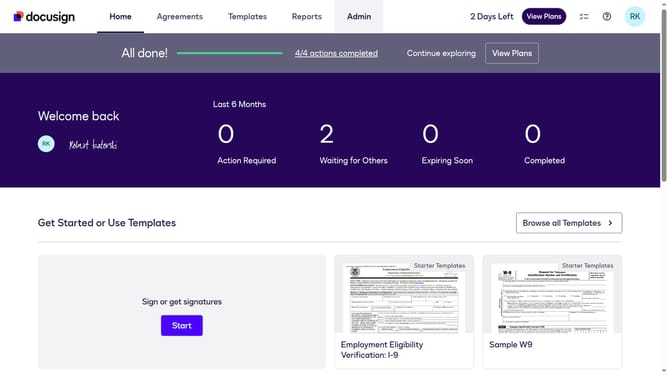
- First click on the "Admin" tab in the top navigation menu
- Then click on the scrollbar to scroll down the page
- Next click on "Signing Settings" in the left sidebar under the "SIGNING AND SENDING" section
- Then scroll down the page using the scrollbar to view more options
- Next uncheck the checkbox labeled "Allow recipients to sign documents offline on a mobile device" in the Recipients section
- Then scroll down the page using the scrollbar to reach the bottom of the settings
- Finally click on the "Save Changes" button to apply the configuration
Why should you disable recipient ability to sign documents offline on a mobile device in DocuSign
DocuSign empowers businesses to send, sign, and manage documents swiftly and securely in a digital format.
By disabling the recipient's ability to sign documents offline on a mobile device, organizations can maintain greater control over when and where signing occurs. This ensures that all document interactions happen in a secure, connected environment.
Leveraging this feature can enhance security protocols, minimize unauthorized access, and provide peace of mind knowing that all document activities are tracked in real-time. This creates a more transparent and reliable signing process.
Last update