How to require a reason when a recipient declines to sign in DocuSign
Here is how to require a reason when a recipient declines to sign in docusign
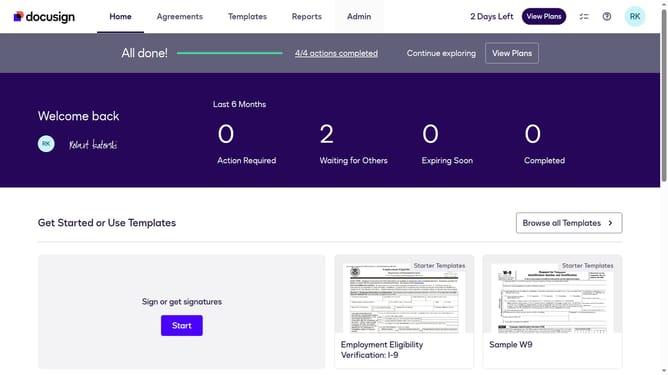
- First click on the "Admin" link in the top navigation menu
- Then scroll down the page to view more options in the admin section
- Next click on "Signing Settings" in the left sidebar under the "SIGNING AND SENDING" section
- Then scroll down the page to view the Recipients settings section
- Next click on the checkbox to enable "Require a reason when a recipient declines to sign" under the Recipients section
- Then scroll down to the bottom of the page to view the save options
- Finally click on the "Save Changes" button to apply the configuration changes
Why should you require a reason when a recipient declines to sign in DocuSign
DocuSign revolutionizes the signature process by enabling seamless digital transactions.
The feature that requires a reason when a recipient declines to sign fortifies transparency and accountability within document management. By understanding why a signature was declined, businesses can address concerns swiftly and reduce delays.
This function not only fosters open communication but also enhances decision-making efficiency by providing clear feedback, thus minimizing misinterpretations and improving overall workflow.
Last update