How to require at least one lowercase letter in passwords in DocuSign
Here is how to require at least one lowercase letter in passwords in docusign
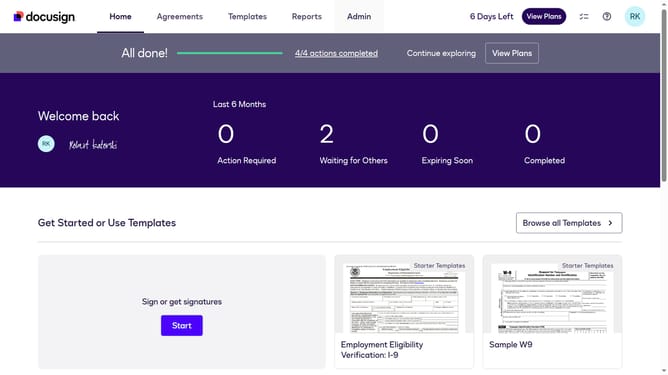
- First click on the "Admin" tab in the top navigation menu
- Then click on "Security Settings" link in the left sidebar under the ACCOUNT section
- Next scroll down the page to view the Password Security section
- Then click on the "Show Password Rules" button in the Password Security section
- In the Password Rules modal dialog, scroll down to view the password requirements checkboxes
- Then click on the "At least one lowercase letter" checkbox to enable this password requirement
- Finally click on the "Save" button to save the password rule changes
Why should you require at least one lowercase letter in passwords in DocuSign
DocuSign is a leading e-signature solution that streamlines contract signing and management with ease and security.
Requiring at least one lowercase letter in passwords enhances the security of user accounts, making unauthorized access more challenging. This feature in DocuSign helps to ensure that passwords are strong and not easily guessed.
Utilizing this feature strengthens your digital security framework, safeguarding sensitive transactions. It contributes to a more reliable and robust authentication process, providing peace of mind for your document management needs.
Last update