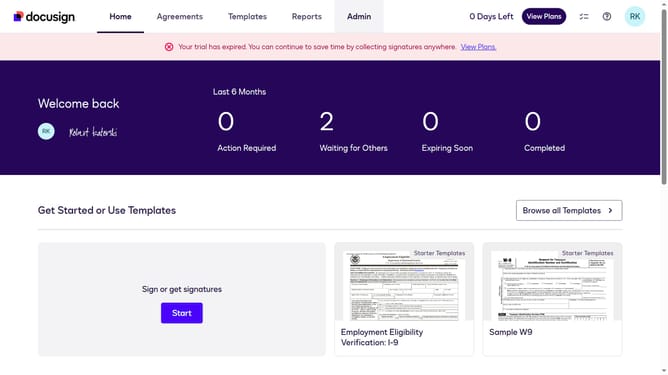
How to add a delegate in DocuSign
Here is how to add a delegate in docusign
- First click on the "RK" profile button in the top right corner of the header
- Next click on "My Preferences" option in the dropdown menu
- Then click on "Delegation" option in the left sidebar under the "SIGNING AND SENDING" section
- Next click on the "Add Delegate" button in the top right corner of the main content area
- Then click on the calendar icon next to the "Start Date" field
- Next select your preferred date in the calendar picker
- Then click on the calendar icon next to the "End Date" field
- Next select your preferred end date in the calendar picker
- Then click the radio button for the user you want to set as your delegate
- Finally click on the "Add" button at the bottom right to confirm adding the delegate
Why should you add a delegate in DocuSign
DocuSign is a leading digital transaction management platform that streamlines and secures electronic agreements.
Adding a delegate in DocuSign enhances workflow efficiency by allowing the assignment of signature responsibilities to colleagues when you are unavailable. This feature proves invaluable in maintaining seamless business operations, ensuring no delay in crucial document processing.
Enabling delegation within DocuSign provides flexibility and continuity, significantly reducing bottlenecks and improving collaboration within dynamic teams.
Last update