How to set password strength to medium in DocuSign
Here is how to set password strength to medium in docusign
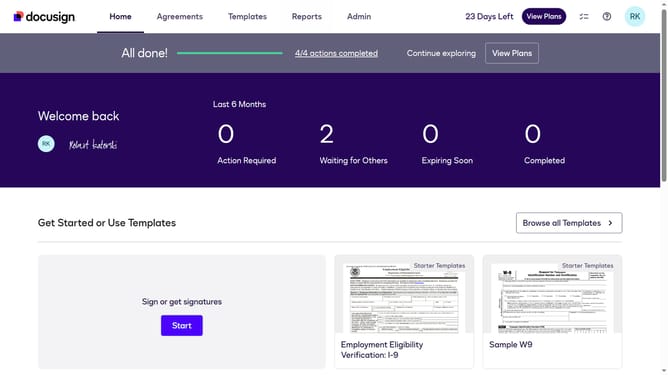
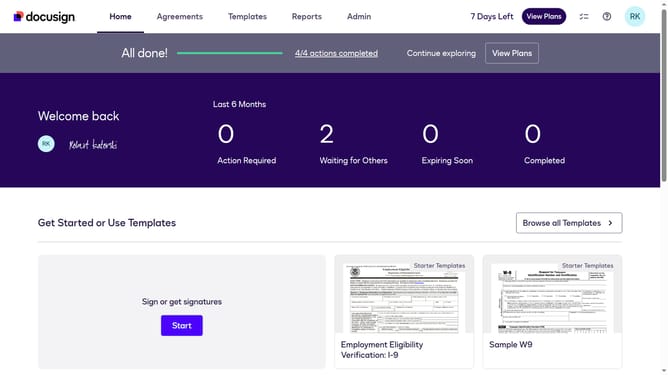
- First click on the "Admin" link in the top navigation menu
- Then click on the "Security Settings" link in the left sidebar under the ACCOUNT section
- Next scroll down the page to view the Password Security section
- Then click on the "Show Password Rules" button in the Password Security section
- Then click on the "Password Strength" dropdown menu and select "Medium" option
- Finally click on the "Save" button to save the password rule changes
Why should you set password strength to medium in DocuSign
DocuSign is a transformative platform for managing electronic agreements effortlessly and securely.
Setting the password strength to medium in DocuSign strikes a balanced approach between ease of use and improved security.
This feature ensures your sensitive documentation remains protected while not overwhelming the user with overly complex password requirements.
Increasing password strength to a medium level can provide additional peace of mind without compromising accessibility, making DocuSign a reliable choice for digital document management.
Last update