How to enable template upload in DocuSign
Here is how to enable template upload in docusign
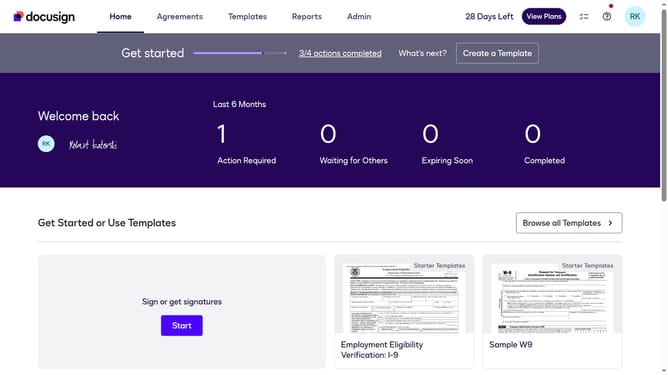
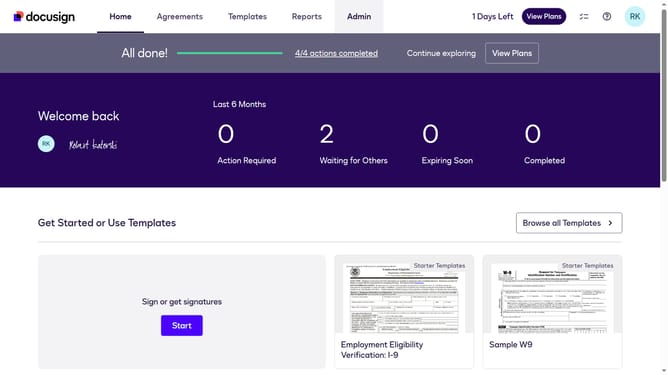
- First click on the "Admin" tab in the top navigation menu
- Then scroll down the page to view more admin settings options
- Next click on "Sending Settings" in the left sidebar under the "SIGNING AND SENDING" section
- Then scroll down the page to view the Templates section
- Next click the"Enable template upload" checkbox under the Templates section
- Finally click on the "Save Changes" button at the bottom of the page
Why should you enable template upload in DocuSign
DocuSign is a leading platform for secure electronic signing and seamless document management.
Enabling template upload in DocuSign helps streamline your document workflow significantly. By using templates, you save time and reduce errors, since you can reuse standard forms for repetitive tasks.
This feature enhances productivity by allowing you to quickly prepare and send documents without starting from scratch each time. It's an efficient solution for maintaining consistency and accuracy across your business communications.
Last update