How to set app session timeout in DocuSign
Here is how to set app session timeout in docusign
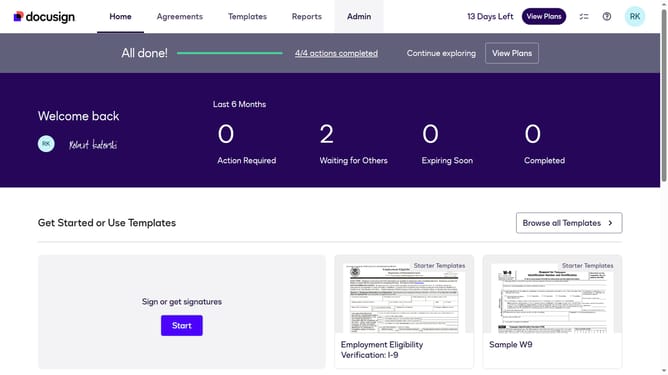
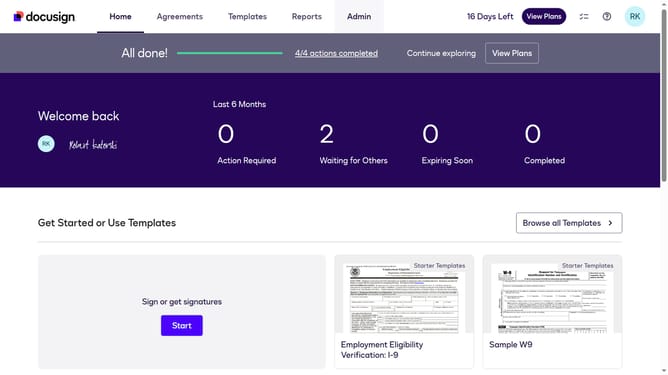
- First click on the "Admin" link in the top navigation menu
- Then click on the "Security Settings" option in the left sidebar under the ACCOUNT section
- Next click on the "Web App Session Timeout (minutes)" input field and modify the value
- Then scroll down the page to view additional security settings
- Finally click on the "Save Changes" button at the bottom of the page
Why should you set app session timeout in DocuSign
DocuSign is a leading eSignature platform, revolutionizing the way documents are signed and managed digitally.
Setting the app session timeout in DocuSign is a key feature that enhances security and improves user experience. By customizing the session timeout, businesses can ensure that sensitive information is protected, automatically logging users out after a period of inactivity. This minimizes unauthorized access and aligns with organizational security policies.
Beyond security, it aids in optimizing resource use and maintaining productivity by automatically handling active sessions without manual intervention. This feature exemplifies DocuSign's commitment to secure, efficient, and user-friendly digital transactions.
Last update