How to enable none templates permission in DocuSign
Here is how to enable none templates permission in docusign
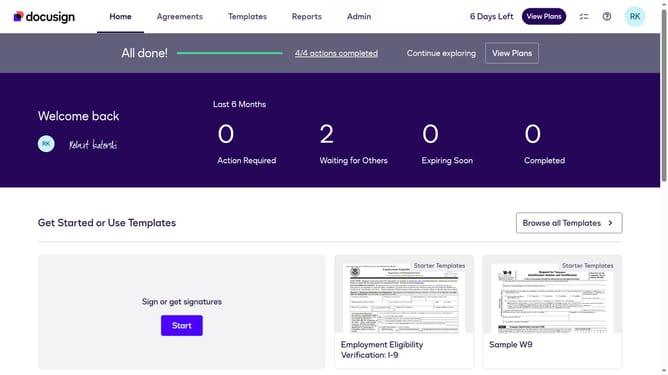
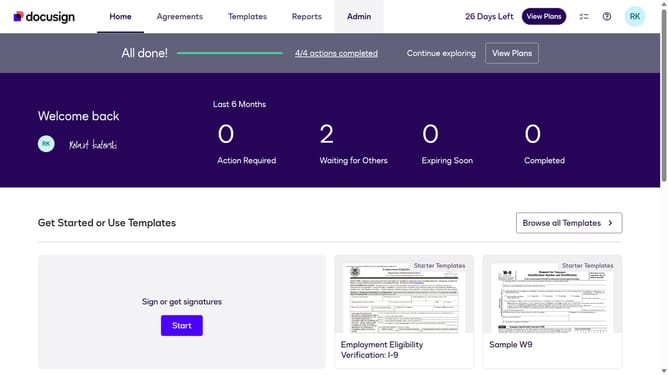
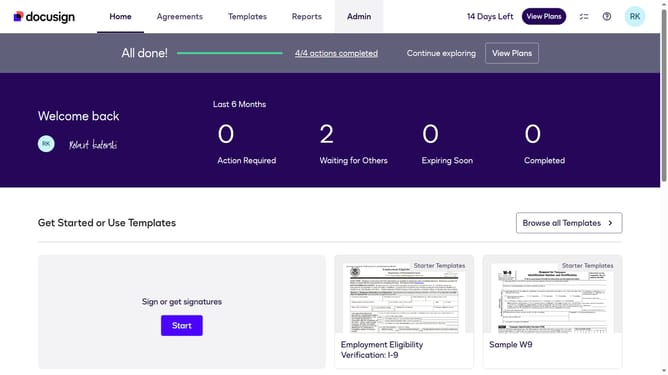
- First click on the "Admin" link in the top navigation menu
- Then scroll down the page to view the sidebar menu options
- Next click on "Permission Profiles" in the left sidebar under the "USERS AND GROUPS" section
- Then click on the "Actions" dropdown button next to a permission profile
- Next select "Edit" from the dropdown menu that appears
- Then click on the "Templates" dropdown menu in the Edit Permission Profile dialog
- Next select "None" option from the Templates dropdown menu
- Finally click on the "Save" button to save the changes to the permission profile
Why should you enable none templates permission in DocuSign
DocuSign is a leading digital transaction management platform that simplifies electronic agreements and streamlines document workflows.
Enabling the 'none templates' permission in DocuSign enhances flexibility by allowing users to send documents without requiring a pre-set template. This streamlines processes, especially in dynamic environments where documents vary frequently.
This feature optimizes workflow efficiency and ensures that users can adapt quickly to changing document needs without being constrained by rigid templates.
Last update