How to select the call center use case in the esignature value calculator in DocuSign
Here is how to select the call center use case in the esignature value calculator in docusign
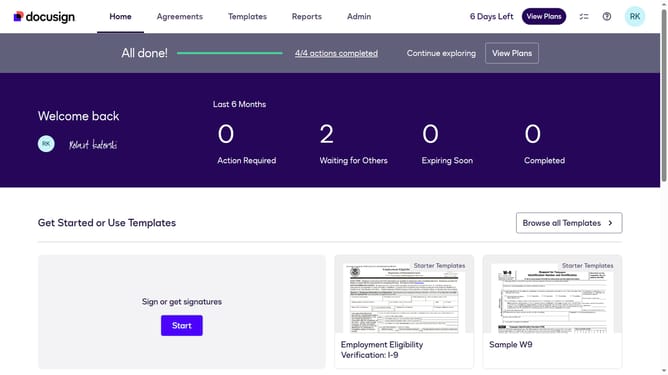
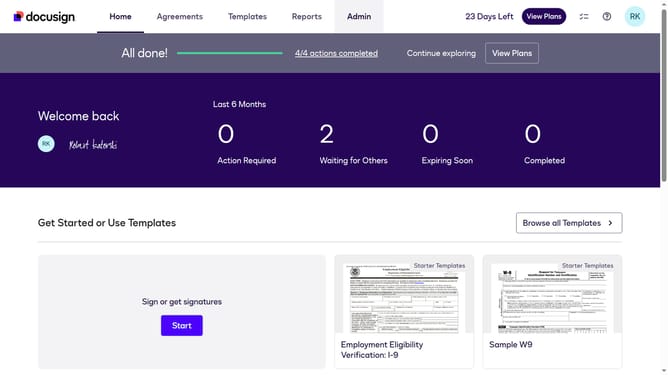
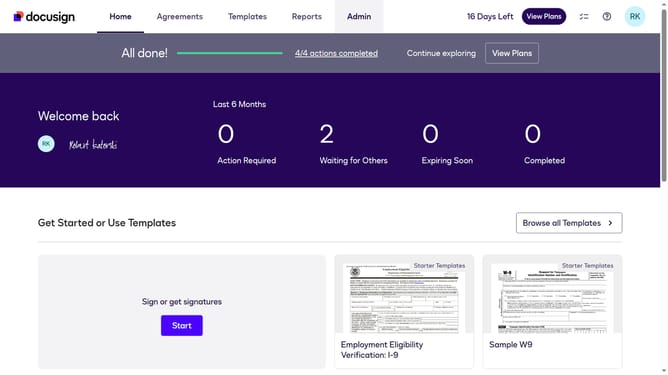
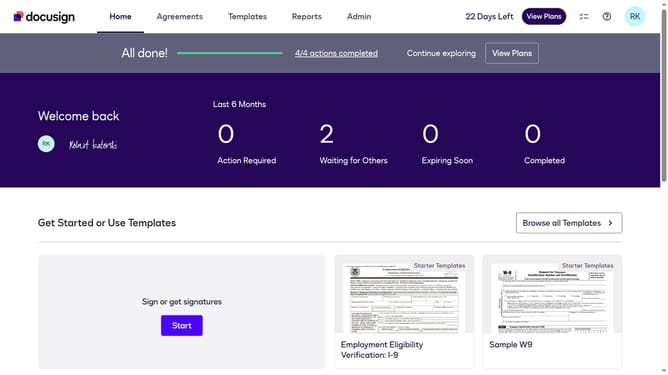
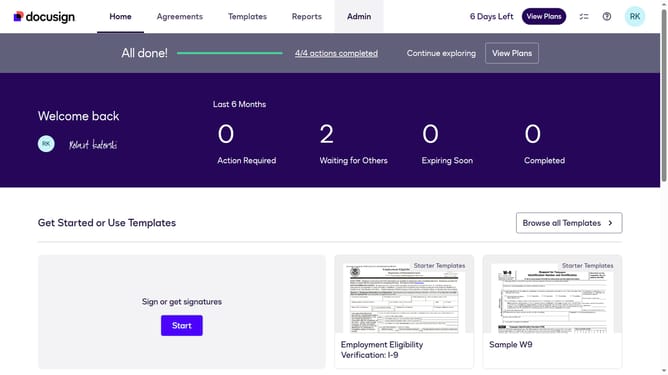
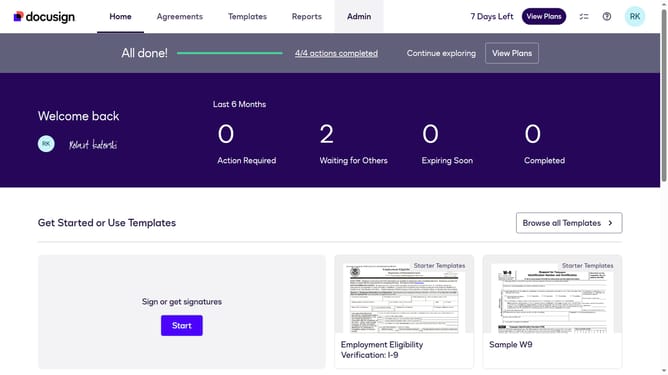
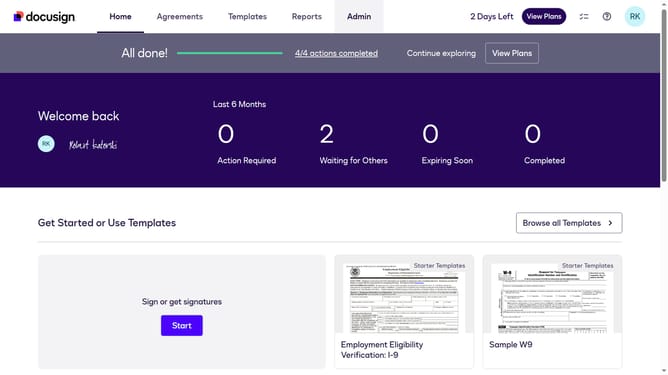
- First click on the "Admin" navigation link in the top menu
- Then click on the "Value Calculator" link in the left sidebar under the ACCOUNT section
- Next click on the "Select Use Case" dropdown menu and select "Call Center"
- Finally scroll down the page to view the updated benchmark data
Why should you select the call center use case in the esignature value calculator in DocuSign
DocuSign revolutionizes how businesses manage electronic agreements, ensuring efficiency and security.
When selecting the call center use case in the esignature value calculator, users can seamlessly quantify the transformational impact on their operations. This feature is tailored to enhance understanding of the potential benefits and savings specific to call center environments.
The focused approach helps streamline processes, reduce overhead, and improve customer interactions, ultimately driving greater organizational value.
Last update