How to disable recipient viewed notifications in a permission profile in DocuSign
Here is how to disable recipient viewed notifications in a permission profile in docusign
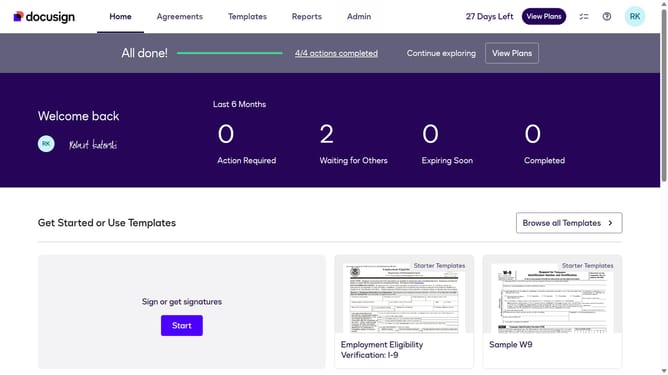
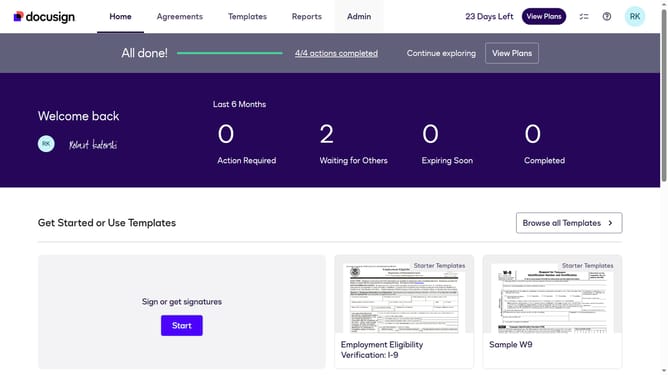
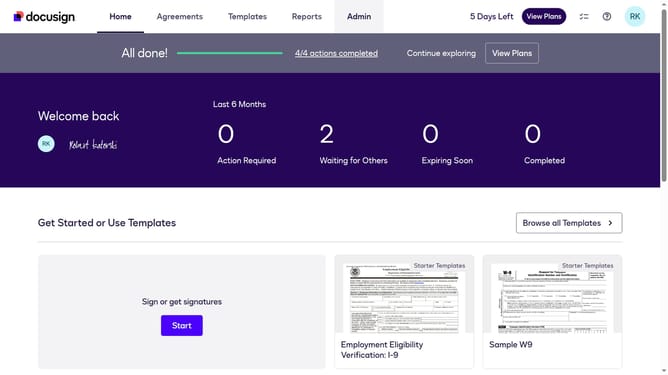
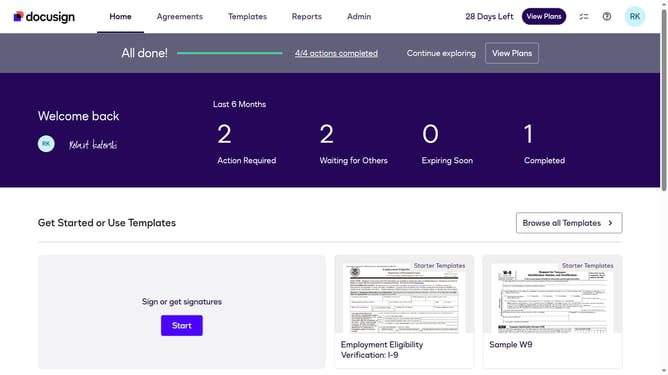
- First click on the "Admin" link in the top navigation menu
- Then scroll down the page to view the sidebar menu options
- Next click on the "Permission Profiles" link in the left sidebar
- Then click on the "Actions" dropdown button next to a permission profile
- Next click on the "Edit" option from the dropdown menu
- Then scroll down the "Edit Permission Profile" dialog box to view more options
- Next uncheck the "Allow recipient viewed notifications" checkbox in the permissions section
- Finally click on the "Save" button at the bottom of the modal dialog
Why should you disable recipient viewed notifications in a permission profile in DocuSign
DocuSign empowers businesses to securely and efficiently manage electronic agreements.
One beneficial feature in DocuSign is disabling recipient viewed notifications within a permission profile. This capability allows users to streamline their notification preferences.
Muting unnecessary alerts enhances focus and productivity, particularly for users managing high volumes of documents.
Ultimately, this customization fosters a more efficient and tailored experience, aligning notifications with specific workflow needs.
Last update