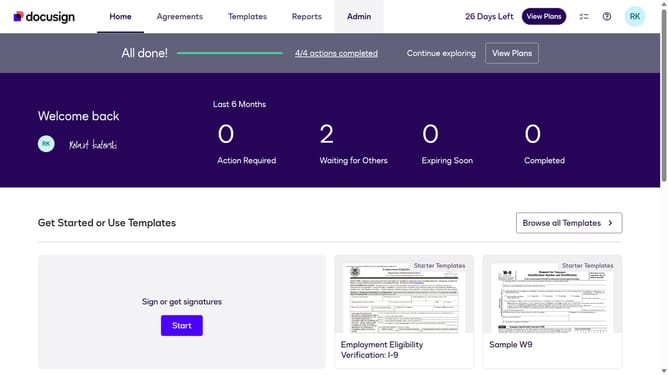
How to copy your user id in DocuSign
Here is how to copy your user id in docusign
- First click on the "Admin" tab in the top navigation menu
- Then scroll down the page to view additional admin settings
- Next click on "Apps and Keys" option in the left sidebar under the INTEGRATIONS section
- Finally click on the copy button next to the User ID field to copy the user identification number
Why should you copy your user id in DocuSign
DocuSign is a leading electronic signature service that allows users to manage digital transactions efficiently.
Copying your user ID in DocuSign ensures seamless integration across platforms, facilitating personalized communication.
Accessing this feature aids in troubleshooting and support, enhancing your experience by providing quick identification within the system.
Ultimately, it streamlines your account management, contributing to increased productivity and user-friendly navigation.
Last update