How to enable attaching the certificate of completion to the envelope in DocuSign
Here is how to enable attaching the certificate of completion to the envelope in docusign
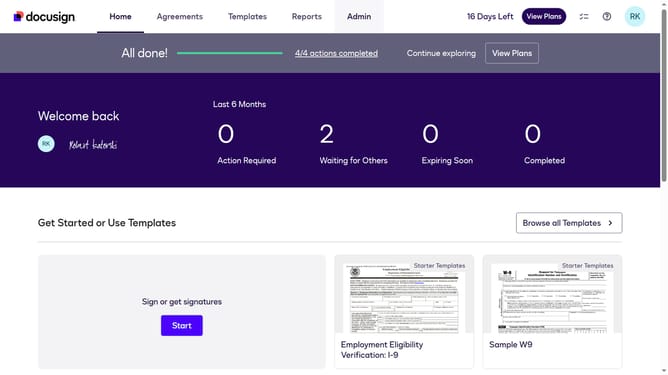
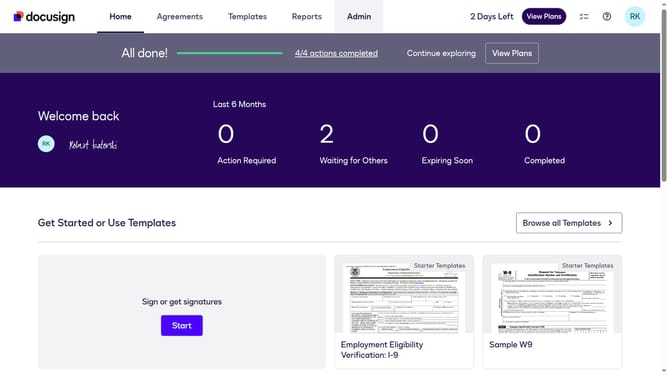
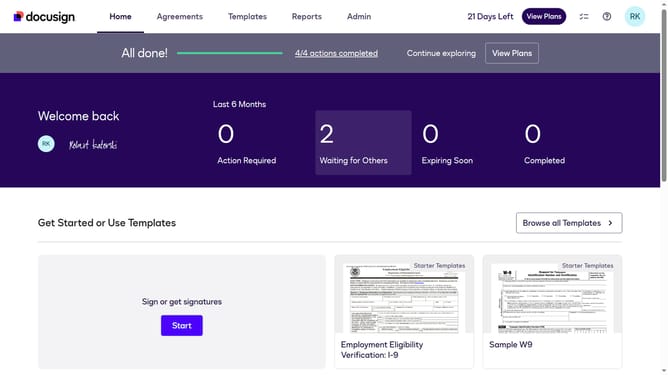
- First click on the "Admin" tab in the top navigation menu
- Then scroll down the page to view more admin settings
- Next click on "Signing Settings" in the left sidebar under the "SIGNING AND SENDING" section
- Then scroll down the page to view the "Envelope Delivery" section
- Next click on the checkbox labeled "Attach certificate of completion to envelope" to enable this option
- Finally click on the "Save Changes" button to save the updated signing settings
Why should you enable attaching the certificate of completion to the envelope in DocuSign
DocuSign is a leading digital transaction platform that facilitates secure electronic signing of documents.
Enabling the attachment of a certificate of completion to the envelope in DocuSign enhances transparency and builds trust among all parties involved. This feature provides a verified summary of the signing process, including timestamps and participant details, ensuring accountability.
Using this feature can significantly streamline document management and maintain an impeccable record, which is vital for compliance and organizational due diligence.
Last update