How to stop requiring an uppercase letter in passwords in DocuSign
Here is how to stop requiring an uppercase letter in passwords in docusign
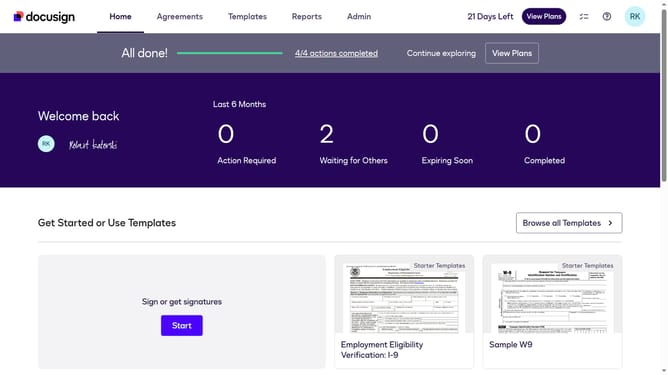
- First click on the "Admin" link in the top navigation menu
- Then click on the "Security Settings" option in the left sidebar under the ACCOUNT section
- Next scroll down to view more options
- Then click on the "Show Password Rules" button in the Password Security section
- Next uncheck the "At least one uppercase letter" checkbox in the Password Rules modal under the "Passwords must include:" section
- Finally click the "Save" button again to confirm the password rule changes
Why should you stop requiring an uppercase letter in passwords in DocuSign
DocuSign is a leading e-signature solution that simplifies the signing process for businesses and individuals alike.
For those seeking greater flexibility and customizability, DocuSign allows you to stop requiring an uppercase letter in passwords.
This feature can streamline the user experience by reducing complexity in password creation, making it easier for users to remember, while still maintaining security standards.
By offering this option, DocuSign caters to a diverse range of security preferences, ensuring convenience without compromising protection.
Last update