How to include custom fields in webhook payloads in DocuSign
Here is how to include custom fields in webhook payloads in docusign
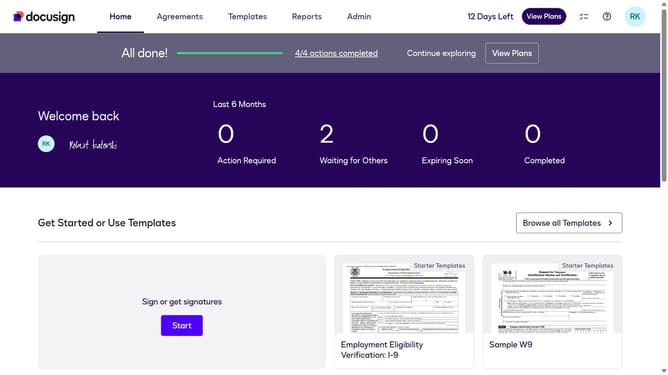
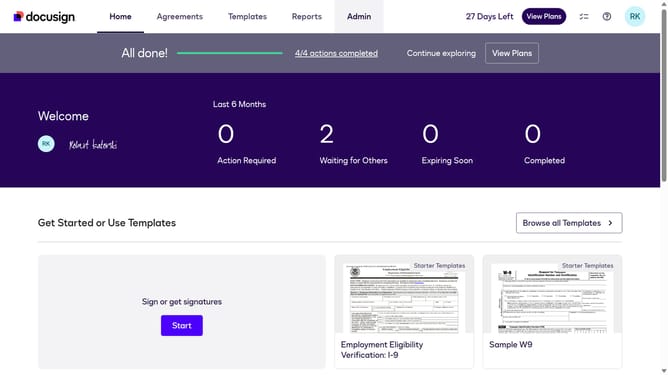
- First click on the "Admin" link in the top navigation menu
- Then scroll down the page to view more content
- Next click on the "Connect" option in the left sidebar under the INTEGRATIONS section
- Then click on the "Actions" dropdown button next to a custom configuration in the configurations table
- Next select the "Edit" option from the Actions dropdown menu
- Then scroll down to view more options
- Next click on the "Envelope and Recipients" expandable section to view data options
- Then click the arrow down button next to the "Include Data" section to view more options
- Next click the "Custom Fields" checkbox
- Then scroll down to the bottom of the page to view the save option
- Finally click on the "Save Configuration" button to save the changes
Why should you include custom fields in webhook payloads in DocuSign
DocuSign specializes in transforming the agreement process with electronic signatures.
The integration of custom fields into webhook payloads in DocuSign enhances adaptability.
By including custom fields, users gain the capacity to transmit additional, personalized information seamlessly, which improves data relevance and communication accuracy.
This feature empowers businesses to achieve a more tailored approach in managing digital transactions, ultimately driving efficiency and enhancing user experience.
Last update