How to restore a deleted document in DocuSign
Here is how to restore a deleted document in docusign
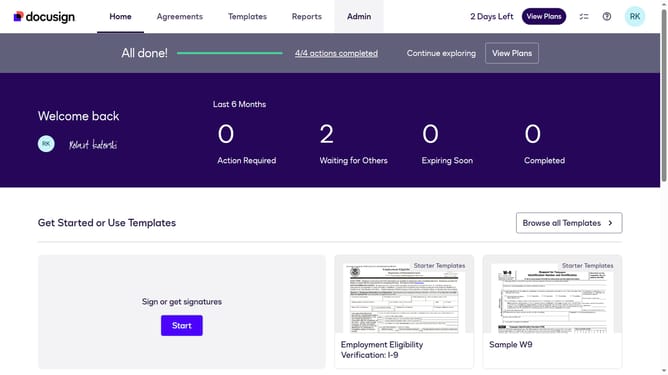
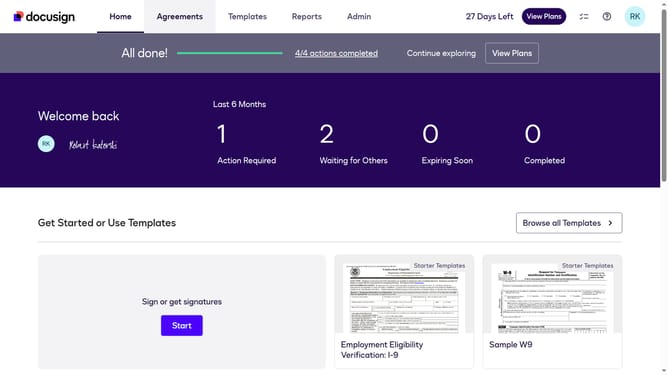
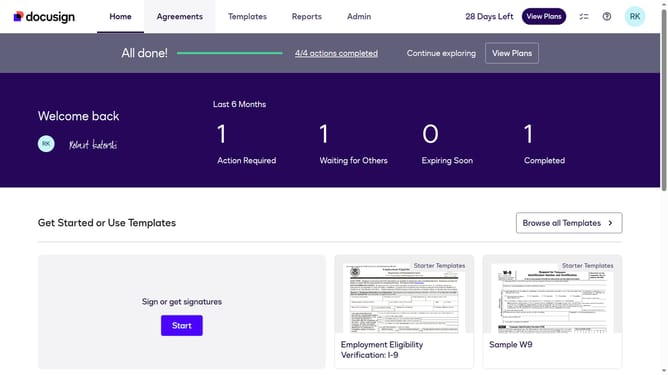
- First click on the "Agreements" tab in the top navigation menu
- Then click on the "Deleted" option in the left sidebar under the ENVELOPES section
- Finally click on the "Restore" button next to the document that you want to restore
Why should you restore a deleted document in DocuSign
DocuSign is a leading digital transaction management platform that enhances the way businesses prepare, sign, and manage agreements.
Accidentally deleting important documents can be a stressful scenario, but DocuSign's restore feature provides a sense of reassurance by allowing you to recover crucial files with ease.
This feature empowers users to quickly rectify mistakes, maintain workflow continuity, and reduce downtime, ensuring that vital information remains accessible without unnecessary delays.
By enabling restoration, DocuSign supports seamless document management and fosters confidence in a secure, reliable digital environment.
Last update