How to enable create templates permission in DocuSign
Here is how to enable create templates permission in docusign
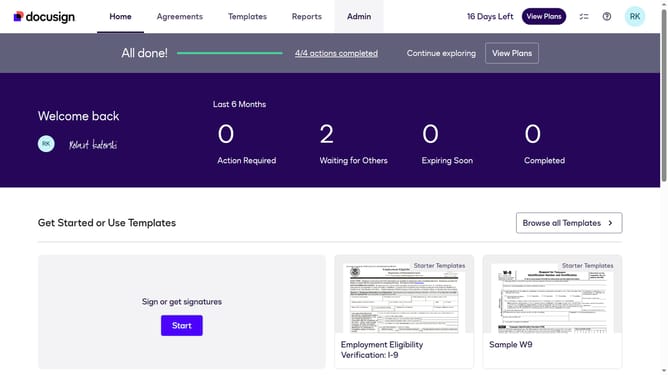
- First click on the "Admin" link in the top navigation menu
- Next scroll down in the left sidebar to reveal additional menu options
- Then click on "Permission Profiles" link in the left sidebar under the "USERS AND GROUPS" section
- Next click on the "Actions" dropdown button next to a permission profile
- Then click on the "Edit" option from the dropdown menu
- Next click on the "Templates" dropdown menu in the Edit Permission Profile dialog
- Then select the "Create" option from the Templates dropdown menu
- Finally click on the "Save" button to save the permission profile changes
Why should you enable create templates permission in DocuSign
DocuSign is a leading digital transaction management platform that streamlines the process of signing documents electronically.
By enabling the create templates permission in DocuSign, users can craft reusable templates tailored for frequent document types. This functionality allows for greater efficiency by saving time and reducing the potential for errors, ensuring consistent document formats across the board.
Using templates also empowers teams to focus on more strategic initiatives, enhancing productivity and collaboration while ensuring compliance with organizational standards.
Last update