How to stop triggering events when a DocuSign Click agreement is accepted in DocuSign
Here is how to stop triggering events when a docusign click agreement is accepted in docusign
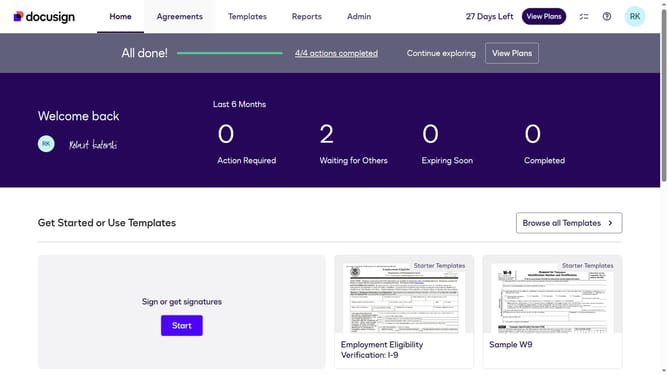
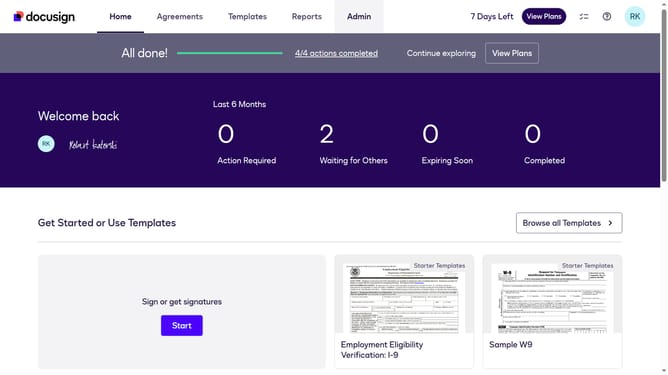
- First click on the "Admin" tab in the top navigation menu
- Then scroll down the page to view additional admin options
- Next click on the "Connect" link in the left sidebar under the INTEGRATIONS section
- Then click on the "Actions" dropdown button next to a custom configuration in the configurations table
- Next select the "Edit" option from the Actions dropdown menu
- Then scroll down the page to view the Trigger Events section
- Next click on the "Docusign Click" section to expand it
- Then uncheck the "Click Agreed" checkbox to disable this trigger event
- Next scroll down to view additional configuration options and the save button
- Finally click on the "Save Configuration" button to save the changes
Why should you stop triggering events when a DocuSign Click agreement is accepted in DocuSign
DocuSign is your go-to solution for seamless digital agreement management, ensuring swift and secure transactions.
A noteworthy feature is the ability to stop triggering events when a DocuSign Click agreement is accepted. This empowers users by preventing automatic actions that may not be necessary following an agreement acceptance.
By controlling these events, businesses can tailor workflows more precisely, enhancing operational efficiency. This feature is invaluable for maintaining focus on critical tasks while reducing unnecessary automation.
Last update