How to include delegation details in webhook payloads in DocuSign
Here is how to include delegation details in webhook payloads in docusign
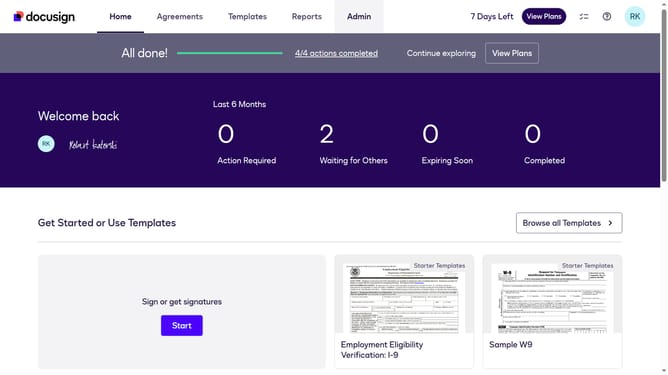
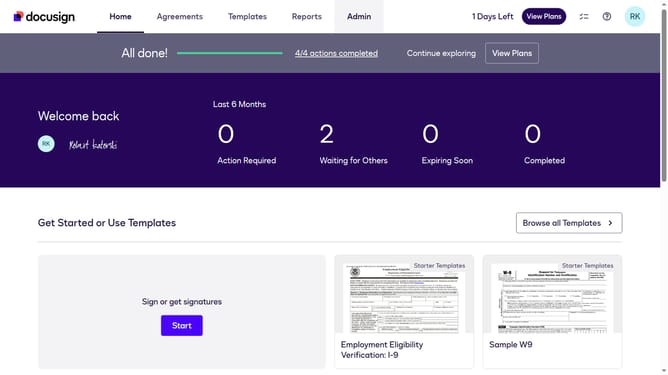
- First click on the "Admin" link in the top navigation menu
- Then scroll down the page to view more content
- Next click on the "Connect" link in the left sidebar under the INTEGRATIONS section
- Then click on the "Actions" dropdown button next to a custom configuration in the configurations table
- Next select "Edit" from the Actions dropdown menu
- Then scroll down to view the Trigger Events section
- Next click on the "Envelope and Recipients" expandable section to open it
- Then scroll down and click Include Data section dropdown button
- Next click on the "Delagations" checkbox to enable Templates in the payload
- Then scroll down to the bottom of the page to view the save button
- Finally click on the "Save Configuration" button to save the changes
Why should you include delegation details in webhook payloads in DocuSign
DocuSign is a leading platform for electronic signatures and digital transaction management, streamlining document workflows for businesses.
Including delegation details in webhook payloads allows users to efficiently manage and track document processes even when responsibilities shift between signers.
This feature ensures transparency and maintains accountability by capturing all changes, thereby enhancing the reliability and precision of your document management strategy.
Utilizing delegation details further optimizes your operations, allowing seamless handling of any document lifecycle adjustments.
Last update