How to require at least one special character in passwords in DocuSign
Here is how to require at least one special character in passwords in docusign
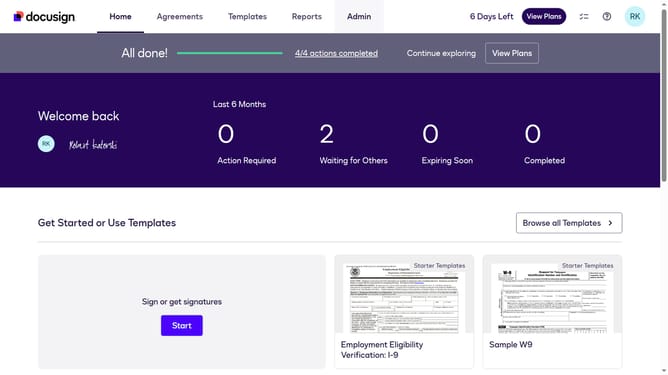
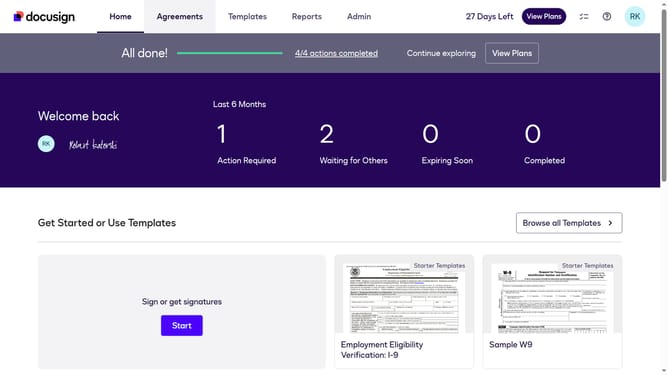
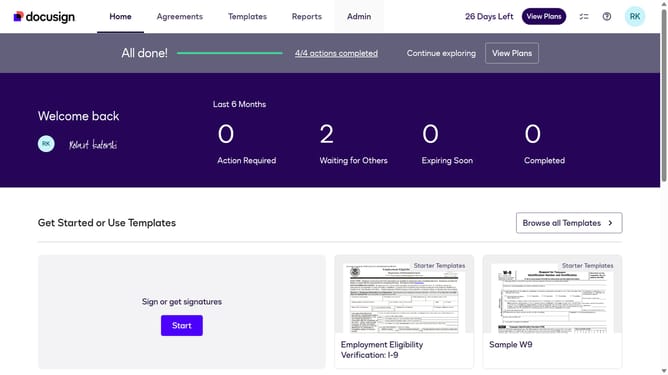
- First click on the "Admin" link in the top navigation menu
- Then click on the "Security Settings" option in the left sidebar under the ACCOUNT section
- Next scroll down the page to view the Password Security section
- Then click on the "Show Password Rules" button in the Password Security section
- In the Password Rules modal, scroll down to view all password requirement options
- Then click on the "At least one special character" checkbox to enable this password requirement
- Finally click on the "Save" button to save the password rule changes
Why should you require at least one special character in passwords in DocuSign
DocuSign is a premier electronic signature solution streamlining digital transactions seamlessly.
Enhancing security measures, DocuSign offers a feature to require at least one special character in passwords. This simple setting significantly fortifies the protection of sensitive information.
By incorporating special characters, you ensure that passwords are complex and challenging to crack, providing peace of mind. This added layer of security protects your documents and promotes trust among users, reinforcing DocuSign’s commitment to safeguarding your digital interactions.
Last update