How to download a certificate in DocuSign
Here is how to download a certificate in docusign
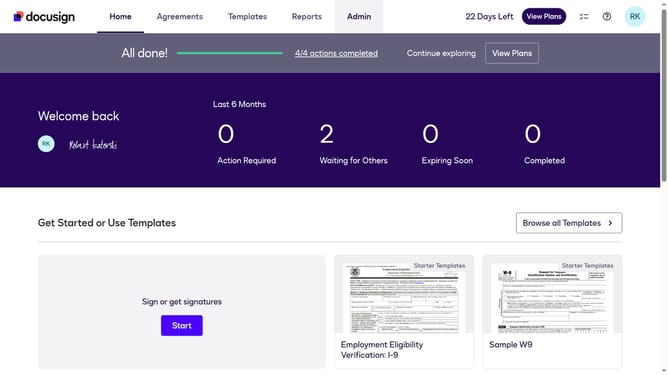
- First click on the "Agreements" tab in the top navigation menu
- Then click the three-dot menu button next to the "Download" button of the document where you want to download the certificate
- Next select the "History" option from the dropdown menu
- Finally click on the "Download Certificate" button at the bottom right of the Envelope History panel
Why should you download a certificate in DocuSign
DocuSign simplifies digital transactions by allowing users to securely sign, send, and manage documents online.
The feature of downloading a certificate in DocuSign empowers users with a tangible record of their digital interactions. Having access to the certificate allows for easy verification of document completion and authenticity.
This is especially beneficial in professional settings where documentation and proof of transactions are crucial. Ultimately, it enhances transparency and trust in all business dealings.
Last update