How to sign a document in DocuSign
Here is how to sign a document in docusign
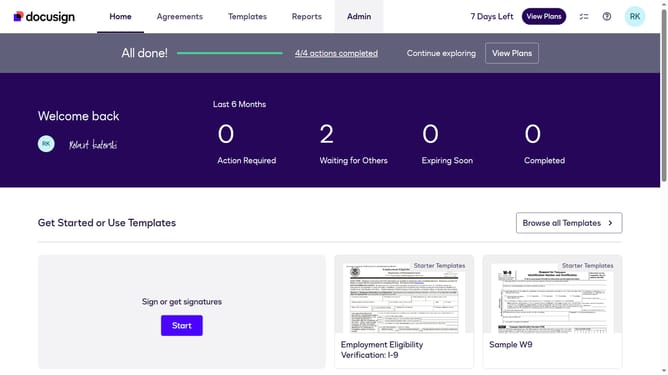
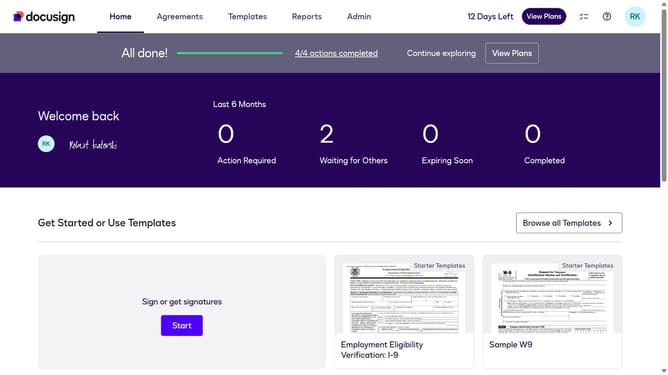
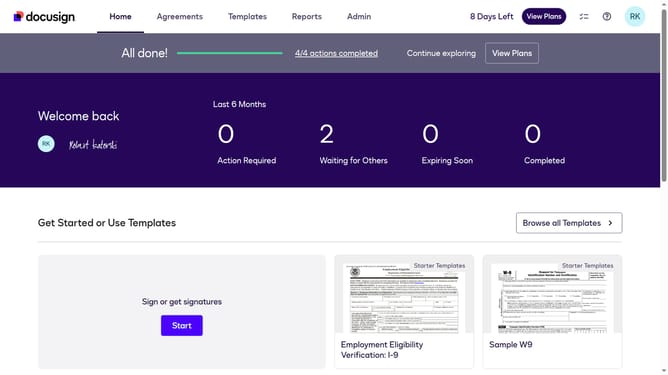
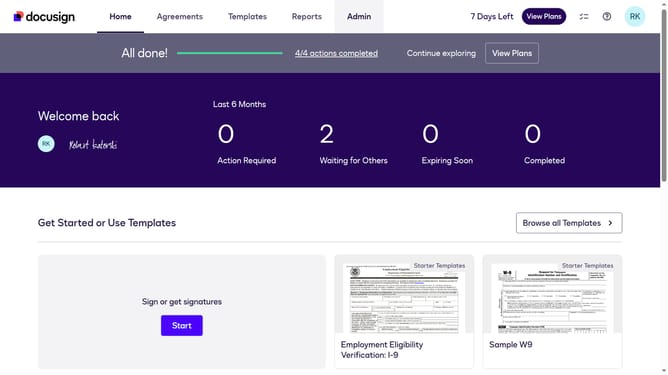
- First click on the "Agreements" tab in the top navigation menu
- Then click on the "Sign" button in the inbox list next to the document you want to sign
- Next click on the "Sign" button in the signature field of the form
- Finally click on the "Finish" button in the bottom right corner of the completion dialog
Why should you sign a document in DocuSign
DocuSign is a seamless digital tool designed to simplify signing and managing documents online.
The process of signing a document with DocuSign is intuitive and fast, eliminating the need for physical paperwork.
Using DocuSign helps reduce your environmental footprint, enhances security, and speeds up transaction times.
With its user-friendly interface, it provides users the convenience of signing documents anytime, anywhere, making work more efficient and productive.
Last update