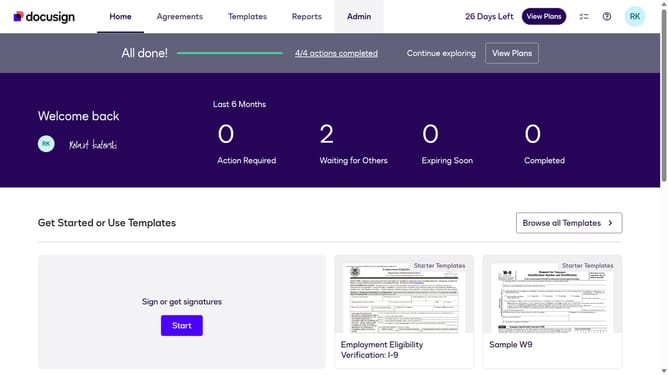
How to stop triggering events when a template is modified in DocuSign
Here is how to stop triggering events when a template is modified in docusign
- First click on the "Admin" link in the top navigation menu
- Then scroll down and click on the scrollbar to view more content in the left sidebar
- Next click on the "Connect" option in the left sidebar under the INTEGRATIONS section
- Then click on the "Actions" dropdown button next to a custom configuration in the configurations table
- Next select the "Edit" option from the Actions dropdown menu
- Then scroll down the page to view the Trigger Events section
- Next click on the "Template" accordion to expand it in the Trigger Events section
- Then uncheck the "Template Modified" checkbox
- Next scroll down to the bottom of the page to view the save options
- Finally click on the "Save Configuration" button to save the changes
Why should you stop triggering events when a template is modified in DocuSign
DocuSign is a leading digital platform designed to facilitate seamless electronic transactions and streamline document workflows.
An essential feature within DocuSign is the ability to stop triggering events when a template is modified. This ensures that changes made to templates won't automatically prompt notifications or actions, preventing unnecessary disruptions.
By controlling event triggers, users can maintain a clean workflow and focus on essential updates. This feature is particularly beneficial for teams aiming to reduce noise and maintain efficiency in document management processes.
Last update