How to allow senders to enable recipient authentication per envelope in DocuSign
Here is how to allow senders to enable recipient authentication per envelope in docusign
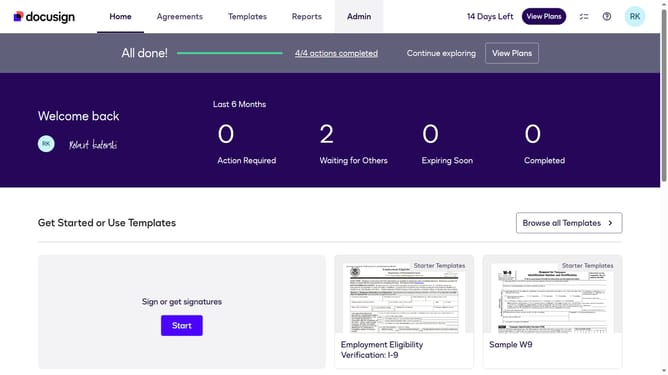
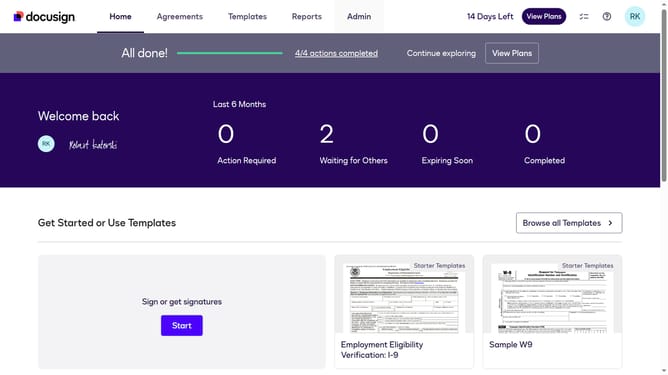
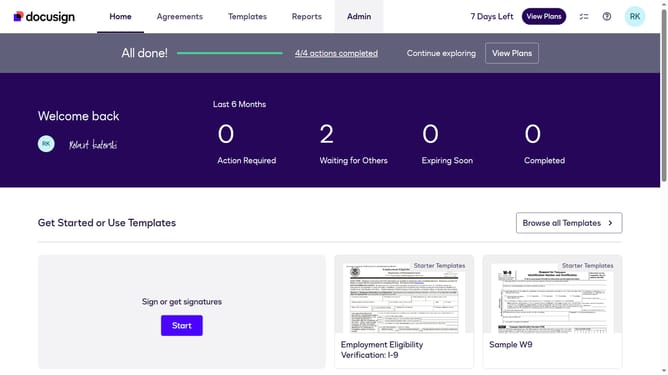
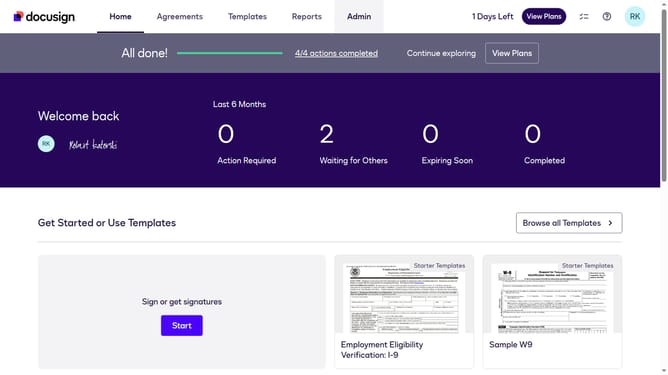
- First click on the "Admin" link in the top navigation menu
- Then click on the "Security Settings" link in the left sidebar under the ACCOUNT section
- Next select the "The sender can require that a recipient must authenticate on any envelope sent from this account" radio button under Recipient Authentication Settings
- Then scroll down the page to view additional security settings
- Finally click on the "Save Changes" button at the bottom of the page
Why should you allow senders to enable recipient authentication per envelope in DocuSign
DocuSign is a leading eSignature solution designed to facilitate fast and secure digital transactions.
A notable feature of DocuSign is the ability for senders to enable recipient authentication for each envelope sent. This adds a layer of security, ensuring that sensitive documents are accessed only by intended recipients.
By enabling recipient authentication, businesses can maintain compliance, reduce fraud risk, and enhance trust in digital communications. This feature is especially beneficial in industries requiring strict data protection.
Last update