How to set the minimum password age in DocuSign
Here is how to set the minimum password age in docusign
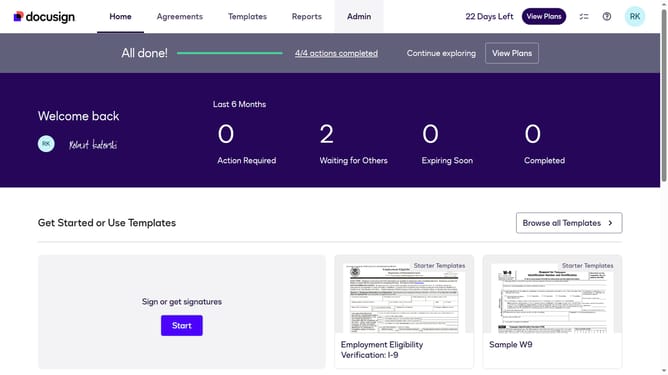
- First click on the "Admin" tab in the top navigation menu
- Then click on "Security Settings" link in the left sidebar under the ACCOUNT section
- Next scroll down the page to view the Password Security section
- Then click on the "Show Password Rules" button in the Password Security section
- Next click the "Minimum password age (0 or more days)" input field and type in your desired minimum password age
- Finally click on the "Save" button at the bottom of the Password Rules dialog
Why should you set the minimum password age in DocuSign
DocuSign is a leading platform that streamlines digital transactions by allowing users to sign and manage documents securely online.
Setting the minimum password age in DocuSign is an essential security feature that helps maintain account integrity. This feature ensures a stronger security posture by preventing users from changing passwords too frequently, which could lead to weaker security practices.
By establishing a minimum age for passwords, organizations can minimize potential vulnerabilities. This practice encourages users to select more secure passwords, fostering a safer digital environment.
Last update