How to include PowerForm data in webhook payloads in DocuSign
Here is how to include powerform data in webhook payloads in docusign
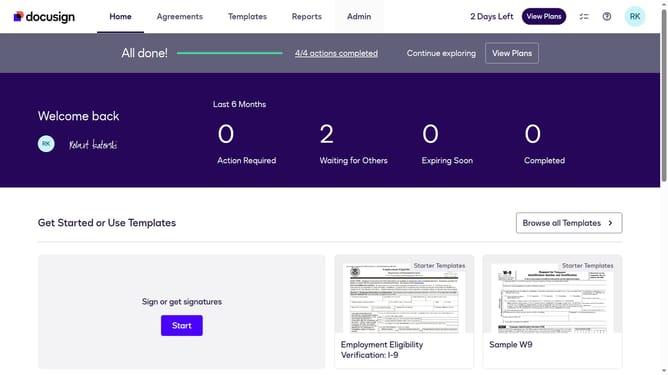
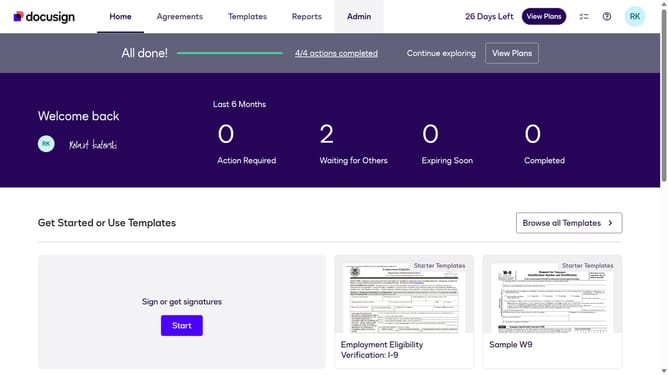
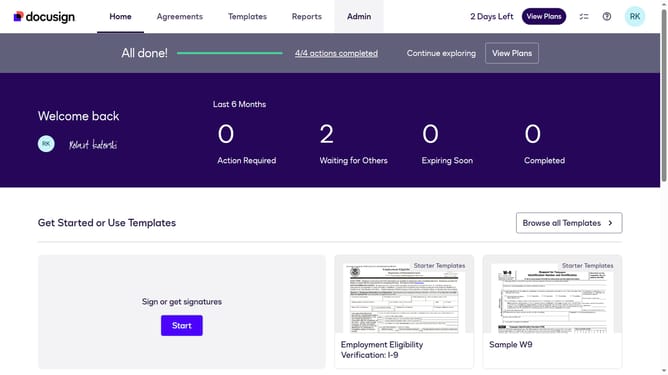
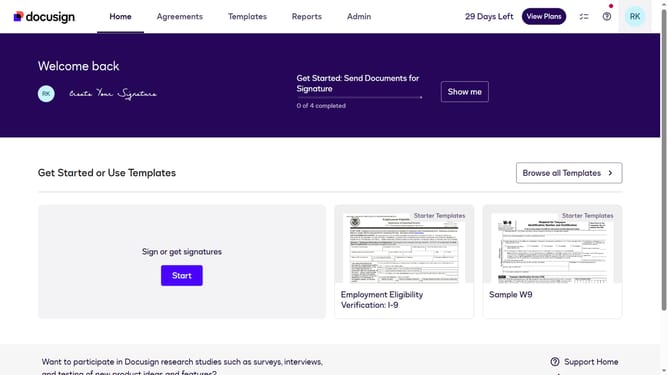
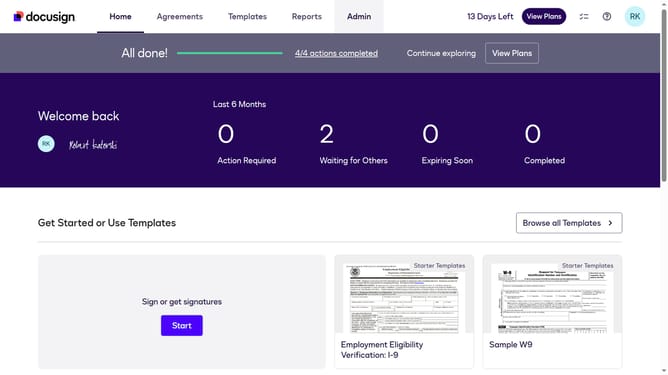
- First click on the "Admin" link in the top navigation menu
- Then click on the scrollbar to scroll down the page
- Next click on the "Connect" link in the left sidebar under the INTEGRATIONS section
- Then click on the "Actions" dropdown button next to a custom configuration in the configurations table
- Next select the "Edit" option from the Actions dropdown menu
- Then scroll down the page to view the Trigger Events section
- Next click on the "Envelope and Recipients" dropdown to expand the trigger events
- Then scroll down and click Include Data section dropdown button
- Next click on the "Powerform" checkbox to enable Powerform data in the payload
- Then scroll to the bottom of the page to view more options
- Finally click on the "Save Configuration" button to save the changes
Why should you include PowerForm data in webhook payloads in DocuSign
DocuSign is a trusted platform that streamlines the signing of documents electronically with ease and security.
Integrating PowerForm data into webhook payloads in DocuSign enhances your workflow by enabling direct data transmission from forms to your systems in real-time. This seamless integration ensures that you receive up-to-date information instantly, reducing the need for manual data entry and potential errors.
The ability to include PowerForm data in webhook payloads is not just about automation but also about precision and operational efficiency, making your document processes more effective.
Last update