How to disable the formula field option in DocuSign
Here is how to disable the formula field option in docusign
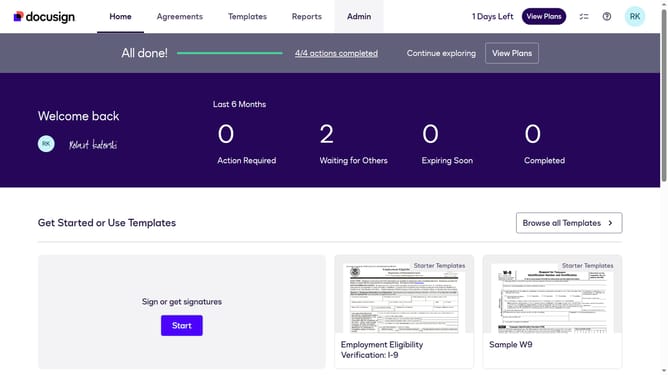
- First click on the "Admin" tab in the top navigation menu
- Then scroll down the page to view more admin options
- Next click on "Sending Settings" in the left sidebar under the "SIGNING AND SENDING" section
- Then uncheck the "Enable formula field (calculated field)" checkbox in the Fields and Properties section
- After that, scroll down the page to view additional sending settings options
- Finally click on the "Save Changes" button at the bottom of the page to apply the changes
Why should you disable the formula field option in DocuSign
DocuSign empowers businesses with efficient electronic signature solutions, streamlining agreement workflows.
Disabling the formula field option in DocuSign can enhance document clarity by removing complex calculations. This ensures that signers focus solely on necessary details, improving overall readability and reducing potential misunderstandings.
Utilizing this feature aids in simplifying the signing process, making it more accessible to all parties involved and enhancing user experience without unnecessary clutter.
Last update