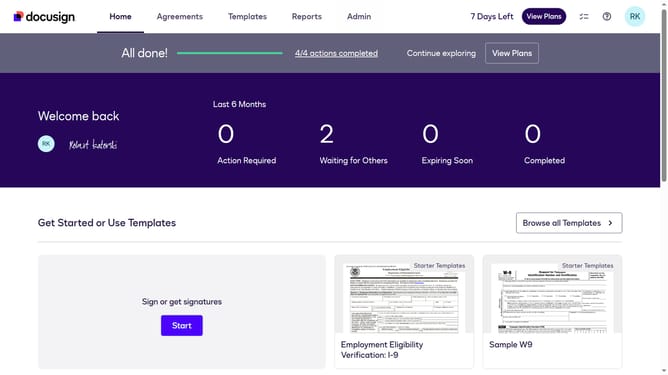
How to select the back office use case in the esignature value calculator in DocuSign
Here is how to select the back office use case in the esignature value calculator in docusign
- First click on the "Admin" link in the top navigation menu
- Then click on the "Value Calculator" link in the left sidebar under the ACCOUNT section
- Next click on the "Select Use Case" dropdown menu and select "Back Office (Human Resources, Operations, etc.)" option
- Finally scroll down the page to view the updated benchmark data
Why should you select the back office use case in the esignature value calculator in DocuSign
DocuSign revolutionizes the way businesses execute and manage agreements digitally.
By selecting the back office use case in DocuSign's eSignature Value Calculator, organizations can strategically assess efficiencies gained through automated document workflows.
This valuable feature helps pinpoint potential cost savings and productivity improvements, leading to optimized operational processes.
Utilizing this insight, businesses can streamline administrative tasks and enhance overall performance with clear, data-driven decision-making.
Last update