How to deliver self-signed email notifications as a link in DocuSign
Here is how to deliver self-signed email notifications as a link in docusign
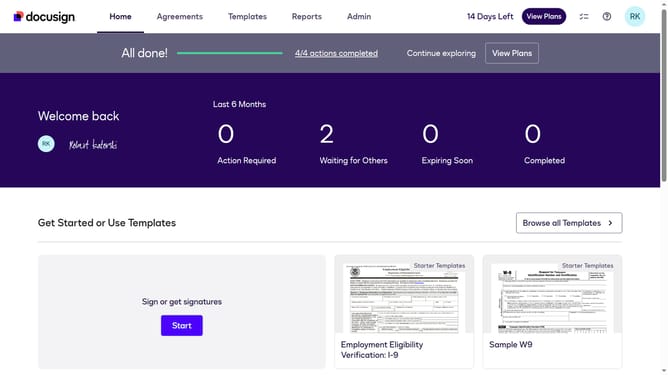
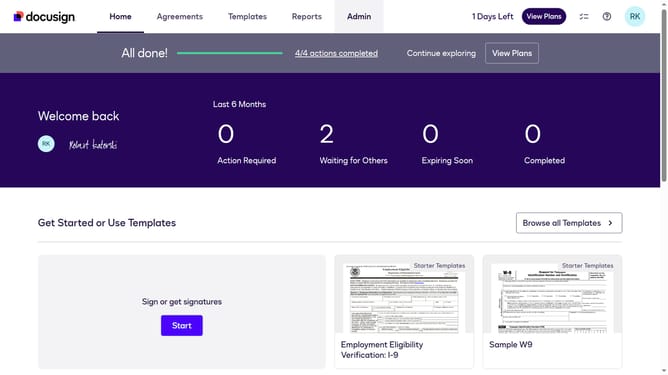
- First click on the "Admin" tab in the top navigation menu
- Then scroll down the page to view additional admin settings
- Next click on "Signing Settings" in the left sidebar under the "SIGNING AND SENDING" section
- Then scroll down the page to view the "Envelope Delivery" section
- Next click on the "PDF" dropdown menu under "Deliver self-signed email notifications by:" and select "Link"
- Finally click on the "Save Changes" button to apply the settings
Why should you deliver self-signed email notifications as a link in DocuSign
DocuSign revolutionizes digital document management by facilitating secure electronic signatures.
Delivering self-signed email notifications as a link in DocuSign enhances security and streamlines processes by allowing recipients to verify document authenticity directly.
This feature ensures recipients receive a secure link, mitigating risks associated with attachments and improving trust.
Ultimately, it optimizes workflow efficiencies, fosters confidence, and supports seamless business operations.
Last update