How to set password strength to basic in DocuSign
Here is how to set password strength to basic in docusign
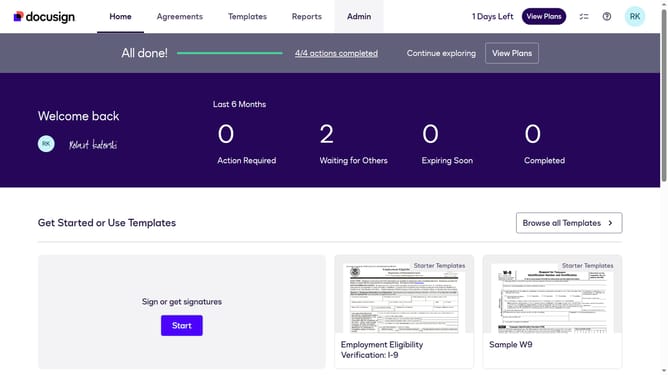
- First click on the "Admin" tab in the top navigation menu
- Then click on the "Security Settings" link in the left sidebar under the ACCOUNT section
- Next scroll down the page to view more options
- Then click on the "Show Password Rules" under the Password Security section
- Next click on the "Password Strength" dropdown menu and select "Basic"
- Finally click on the "Save" button at the bottom right of the Password Rules modal dialog
Why should you set password strength to basic in DocuSign
DocuSign is an innovative platform that revolutionizes how businesses manage electronic agreements.
Setting the password strength to basic in DocuSign can streamline the user experience, ensuring quicker access while maintaining essential security controls.
This feature is particularly useful for organizations where ease of use is prioritized without sacrificing too much on security.
Adopting a basic password level makes the signing process less cumbersome, allowing staff to focus on essential tasks, thereby enhancing productivity.
Last update