How to enable agreement template builder in DocuSign
Here is how to enable agreement template builder in docusign
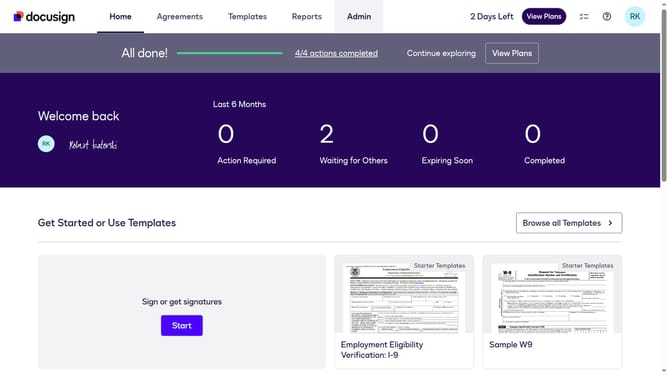
- First click on the "Admin" tab in the top navigation menu
- Then scroll down the page to view more admin settings and options
- Next click on "Sending Settings" in the left sidebar under the "SIGNING AND SENDING" section
- Then scroll down the page to view the Templates section
- Next click "Enable Agreement Template Builder" checkbox to enable this feature
- Finally click on the "Save Changes" button to save the updated settings
Why should you enable agreement template builder in DocuSign
DocuSign streamlines the process of securing electronic signatures, making it effortless and efficient.
Enabling the agreement template builder in DocuSign enhances document management, allowing you to create standardized templates effortlessly. This feature promotes consistency and reduces time spent on repetitive tasks.
The streamlined approach to creating agreements ensures accuracy and compliance, ultimately boosting productivity and minimizing errors. It's a game-changer for any organization looking to optimize their agreement workflows.
Last update