How to disable attaching the certificate of completion to the envelope in DocuSign
Here is how to disable attaching the certificate of completion to the envelope in docusign
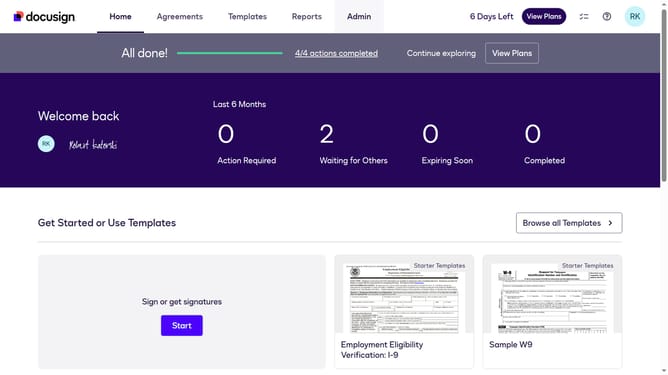
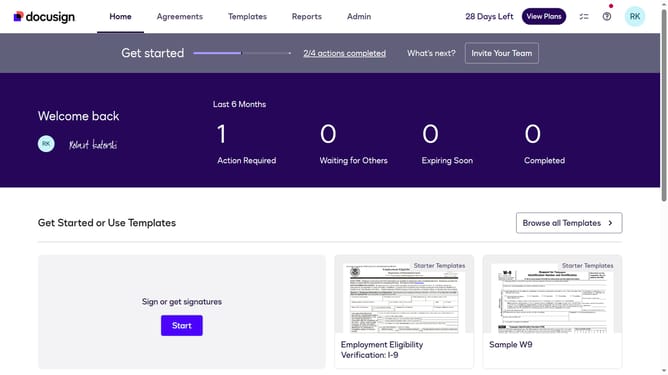
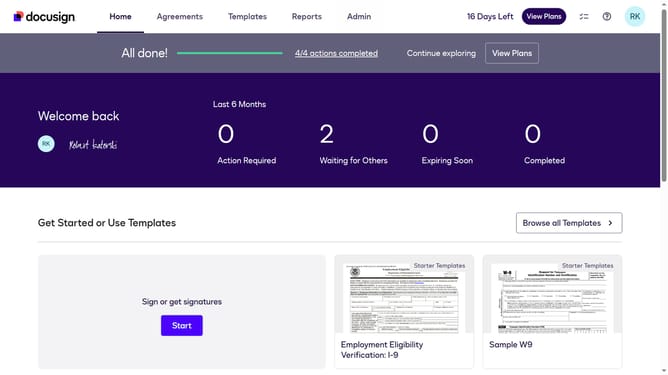
- First click on the "Admin" tab in the top navigation menu
- Then scroll down the page to view more admin settings options
- Next click on "Signing Settings" link in the left sidebar under the "SIGNING AND SENDING" section
- Then scroll down the page to view the "Envelope Delivery" section
- Next uncheck the "Attach certificate of completion to envelope" checkbox in the "Envelope Delivery" section
- Finally click on the "Save Changes" button at the bottom of the page
Why should you disable attaching the certificate of completion to the envelope in DocuSign
DocuSign revolutionizes the way businesses handle agreements by making the process efficient, convenient, and secure.
A noteworthy feature is the ability to disable attaching the certificate of completion to the envelope, offering users greater control over document management.
This feature allows for a leaner document package, particularly when the certificate may not be necessary for every transaction.
Choosing not to attach the certificate streamlines communication by focusing on the essential documents, enhancing the professional presentation of your materials.
Last update