How to delete a document in DocuSign
Here is how to delete a document in docusign
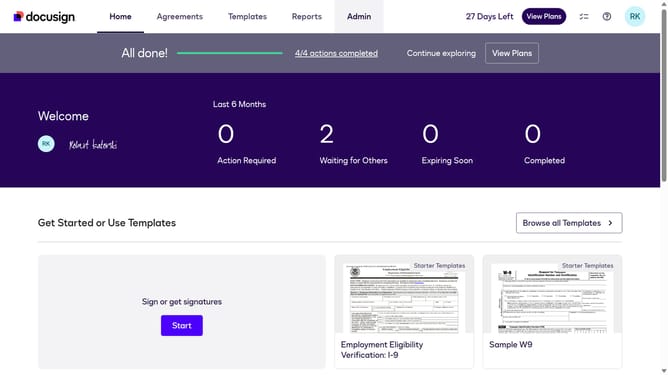
- First click on the "Agreements" tab in the top navigation menu
- Then click on the three-dot menu button next to the "Download" button of the document you want to delete
- Next scroll down in the dropdown menu
- Then click the Delete option from the dropdown menu
- Finally review the deletion warning message in the "Delete Envelope" dialog box
Why should you delete a document in DocuSign
DocuSign is a reliable digital platform designed to streamline the signing and management of documents.
Removing a document in DocuSign ensures your workspace stays organized and clutter-free. This feature allows users to manage their document flow seamlessly, enhancing productivity and focus.
Deleting unnecessary documents can also help protect sensitive information, maintaining privacy and security. Overall, this feature supports an efficient and secure digital document management experience.
Last update