How to disable key terms suggestions by document type in DocuSign
Here is how to disable key terms suggestions by document type in docusign
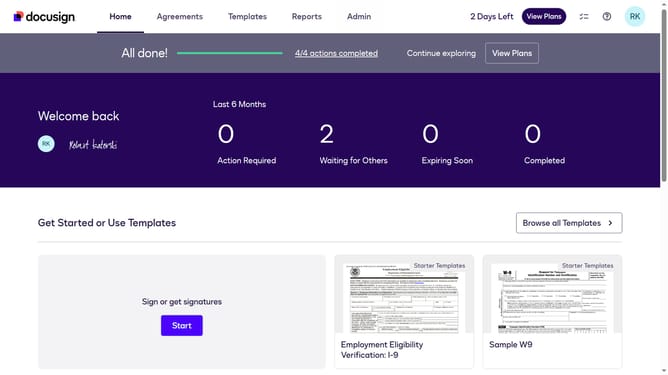
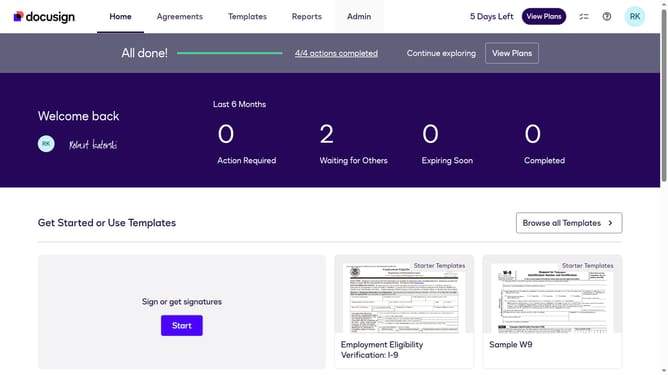
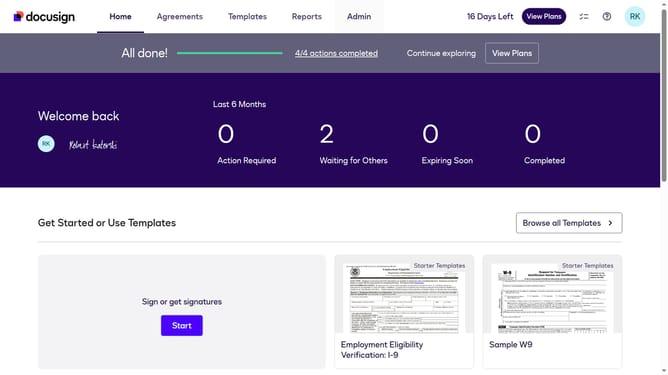
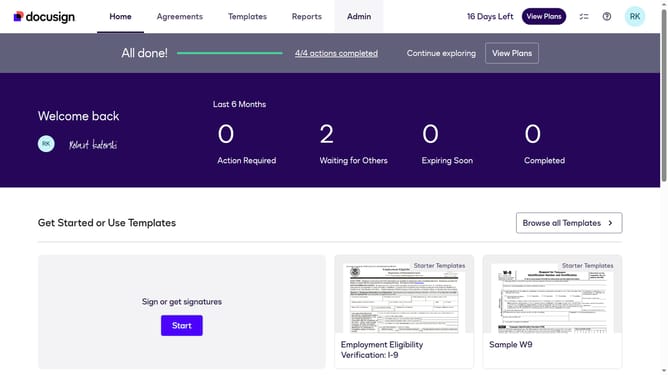
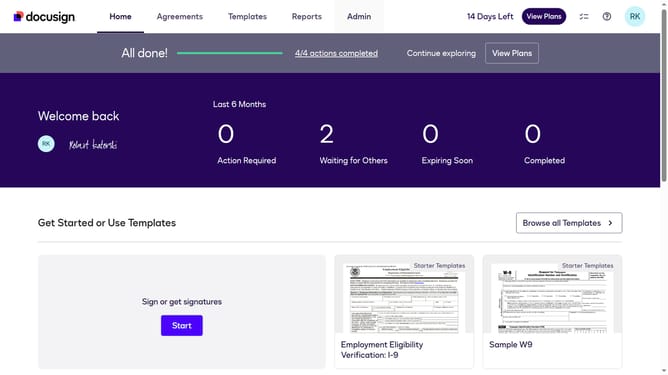
- First click on the "Admin" link in the top navigation menu
- Then scroll down the page to view more admin settings
- Next click on "Signing Settings" in the left sidebar under the "SIGNING AND SENDING" section
- Then scroll down the page to view additional signing settings options
- Next uncheck the "Enable Key Terms Suggestions By Document Type" checkbox
- Then continue scrolling down to view more options
- Finally click on the "Save Changes" button to save the configuration
Why should you disable key terms suggestions by document type in DocuSign
DocuSign is a leading platform for electronic agreements, revolutionizing the way businesses handle documents.
By disabling key term suggestions based on document type in DocuSign, users can streamline their workflow even further. This feature helps in customizing the document viewing and editing experience.
Tailoring the key term suggestions can reduce distractions, making the process more efficient and allowing users to focus on content that truly matters.
This flexibility ensures a smoother process, providing for more accurate and relevant document handling.
Last update