How to set authentication to trigger on a recipient’s first device access in DocuSign
Here is how to set authentication to trigger on a recipient’s first device access in docusign
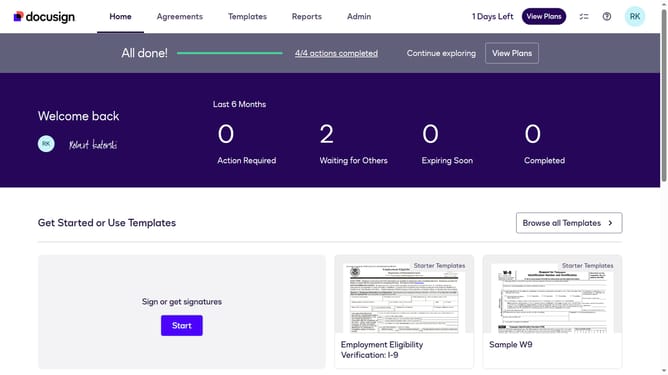
- First click on the "Admin" tab in the top navigation menu
- Then click on "Security Settings" link in the left sidebar under the ACCOUNT section
- Next click on the "The first time a recipient accesses an envelope per device" radio button under Recipient Authentication Triggers
- Then scroll down to the bottom of the Security Settings page
- Finally click on the "Save Changes" button at the bottom of the page
Why should you set authentication to trigger on a recipient’s first device access in DocuSign
DocuSign is a trusted platform for managing and automating agreement processes, ensuring seamless and secure digital transactions.
One of its innovative features is setting authentication to trigger on a recipient’s first device access.
This feature enhances security by ensuring only the intended recipient can access and sign documents from their trusted device.
Using this feature builds trust, prevents unauthorized access, and adds an extra layer of protection for sensitive business transactions.
Last update